Light Bulbs
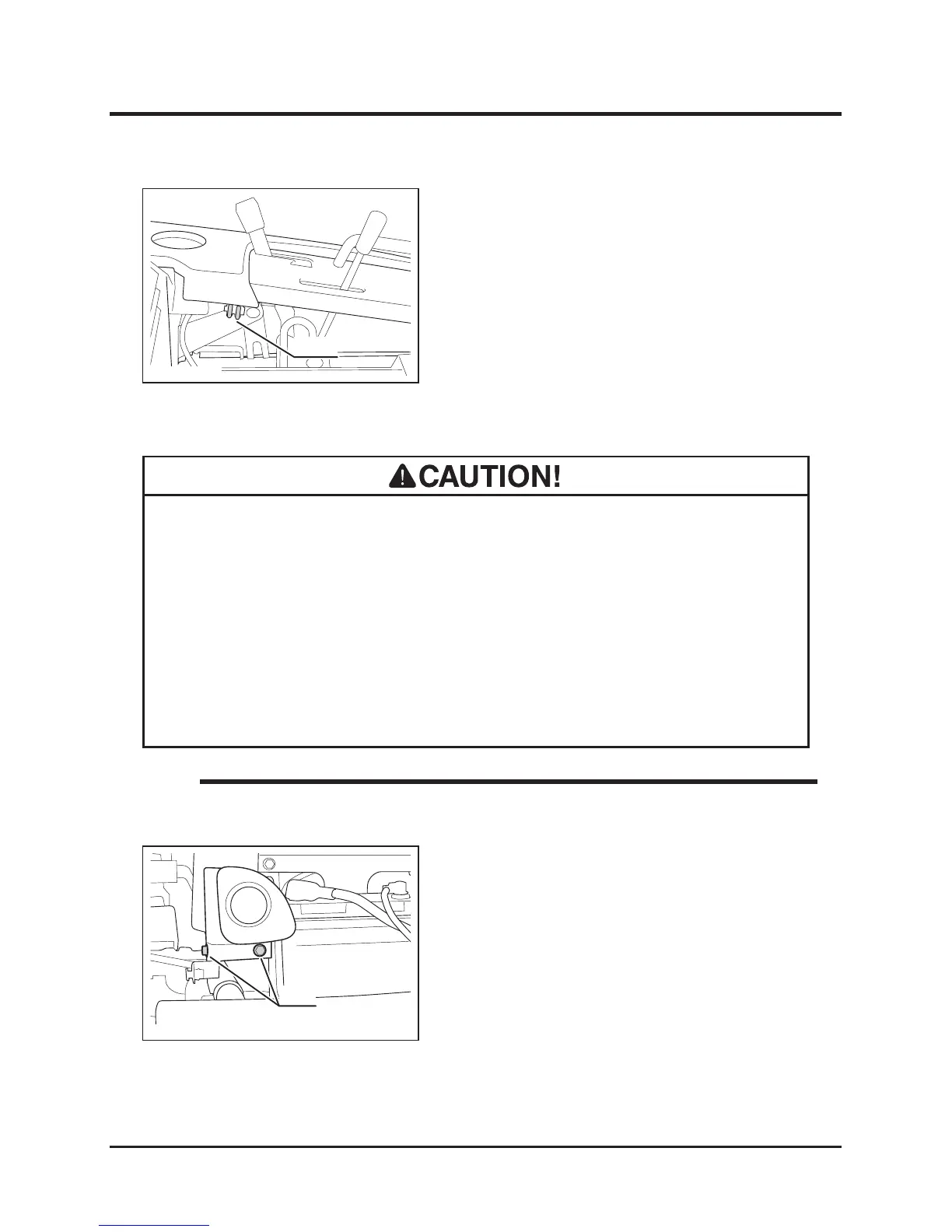
1. Remove front cover.
2. Remove 2 bolts to remove light unit.
• When light bulb is burnt out, replace it with a new bulb.
• When replacing, always use a bulb of the correct rating. Malfunction or damge
in electrical system may result.
• Do not touch bulb when it is hot. It may cause burns.
• Do not touch the glass part of light bulb directly with fingers. It may reduce
service life.
• Light Bulbs to use: Page 47.
NOTE
Head Lamp
1. Raise seat.
2. Remove fuse and visually inspect. If it is
blown, replace it with new one of the same
rating.
3. Install fuse back in place.
4. Put seat back in place.



 To Next Page