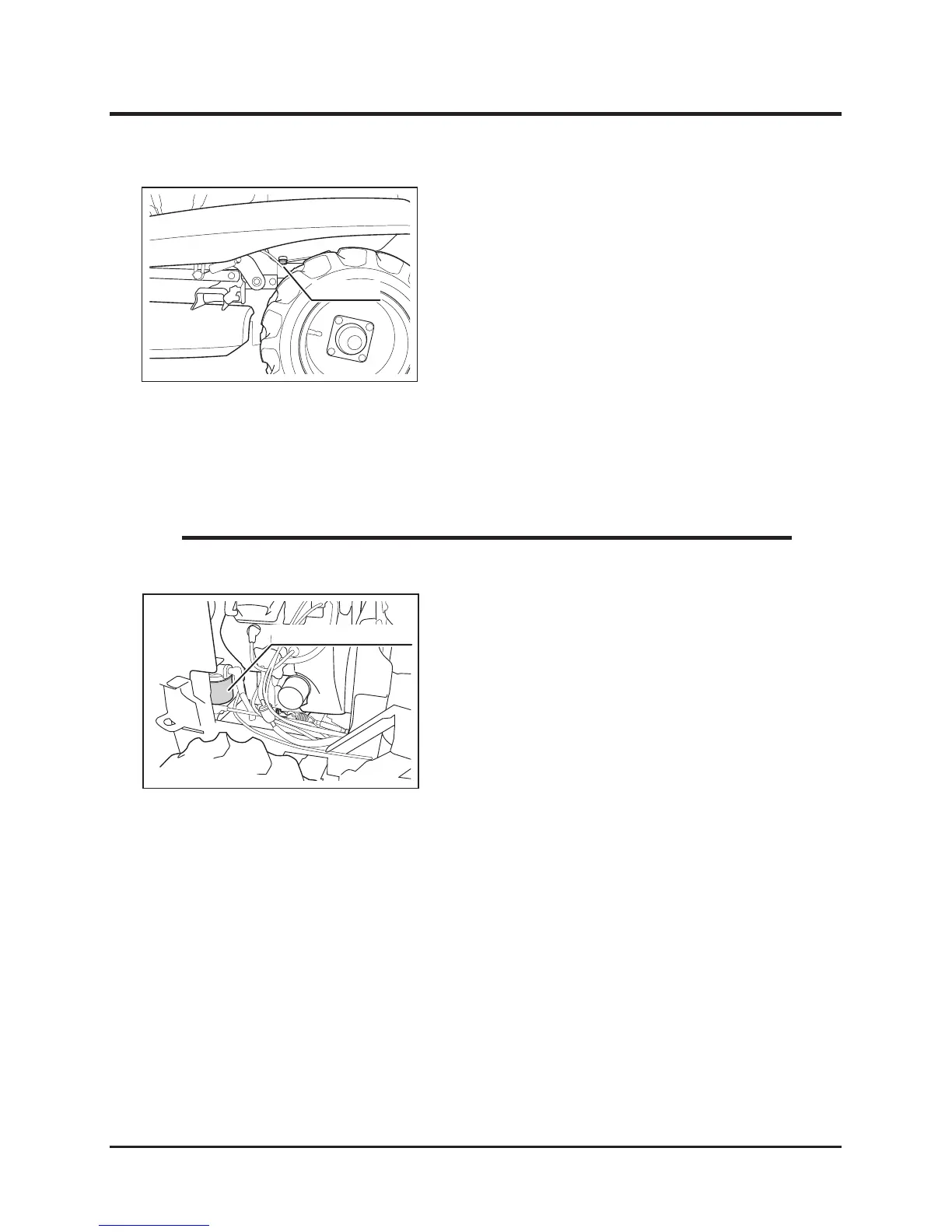
1. Open engine hood.
2. Remove right side cover.
3. Remove suction lter cartridge.
4. Have a new suction lter cartridge. Coat its
seal with clean engine oil evenly.
5. Screw it into its mount. Tighten it by hand
until the cartridge is rmly in place.
6. Install right side cover back in place.
7. Close engine hood.
1. Have an appropriate oil drain pan.
2. Open engine hood.
3. Remove oil ller cap.
4. Remove drain plug to drain uid.
5. Install drain plug back in place.
6. Fill specied amount of uid.
7. Check uid level. Make sure it is at the
specied level.
8. Install oil ller cap back in place.
9. Close engine hood.
Changing
Suction Filter



 To Next Page