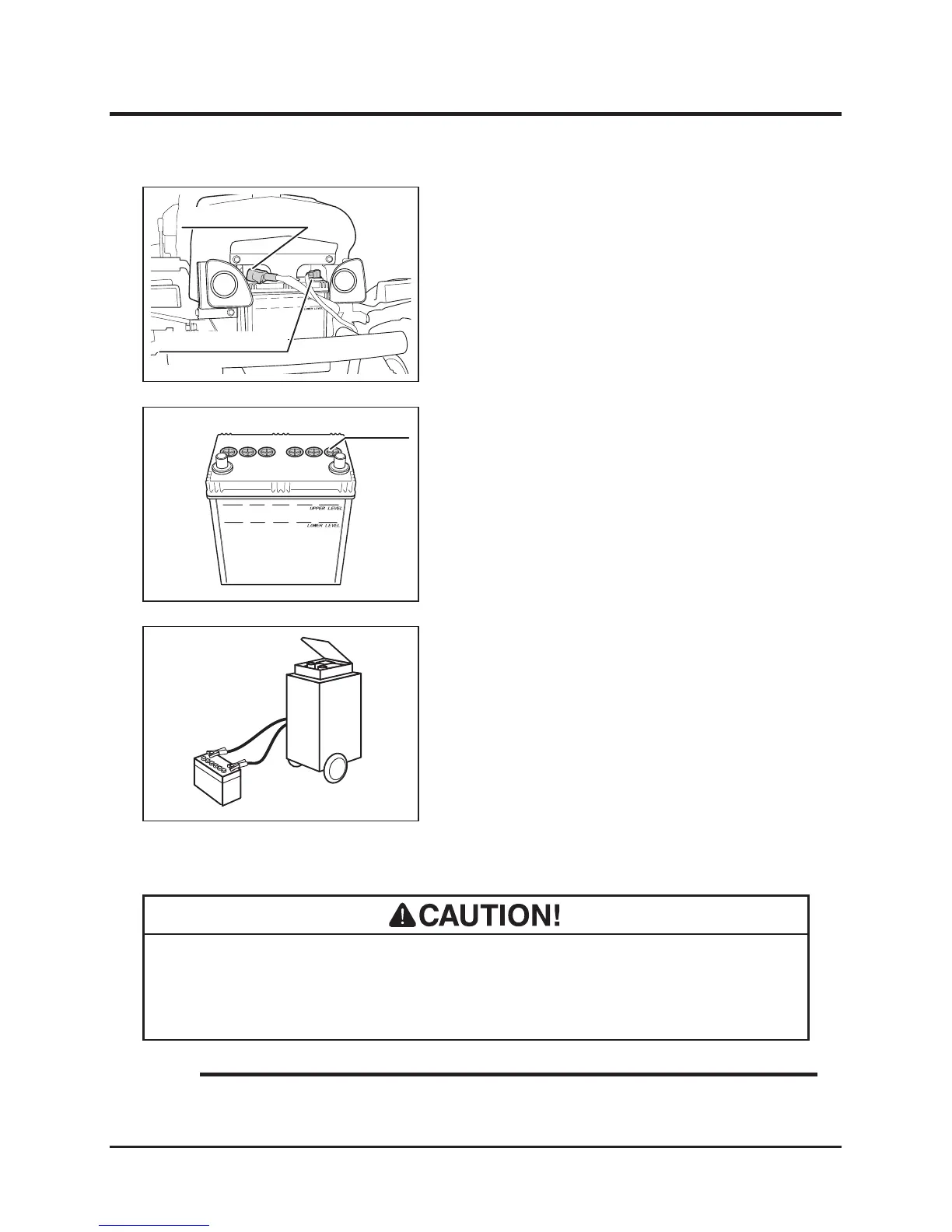
1. Remove front cover.
2. Remove battery from machine.
3. Follow instructions in battery charger user's
manual to charge battery.
4. When battery is fully charged, install battery
back in place.
5. Install front cover back in palce.
Charging
6. Remove ller cap.
7. Fill distilled water to "UPPER LEVEL" line.
8. Put ller caps back in place.
9. Install battery back in place.
10. Install positive cable (+) back in place.
11. Install negarive cable (-) back in place.
12. Install plate back in place.
13. Install front cover back in palce.
Fuses
• If a fuse blows, investigate the cause before replacing.
• Always replace a fuse with one of the correct rating.
• Main Fuse: 30A. Lights Fuse: 10A
• Replacement Fuse: Page 47.
NOTE



 To Next Page