EasyManua.ls Logo

CanyCom CMX222 - Page 79

CanyCom CMX222
94 pages
Print Icon
To Next Page IconTo Next Page
To Previous Page IconTo Previous Page
Loading...
Maintenance
-70-
5
1. Remove front cover.
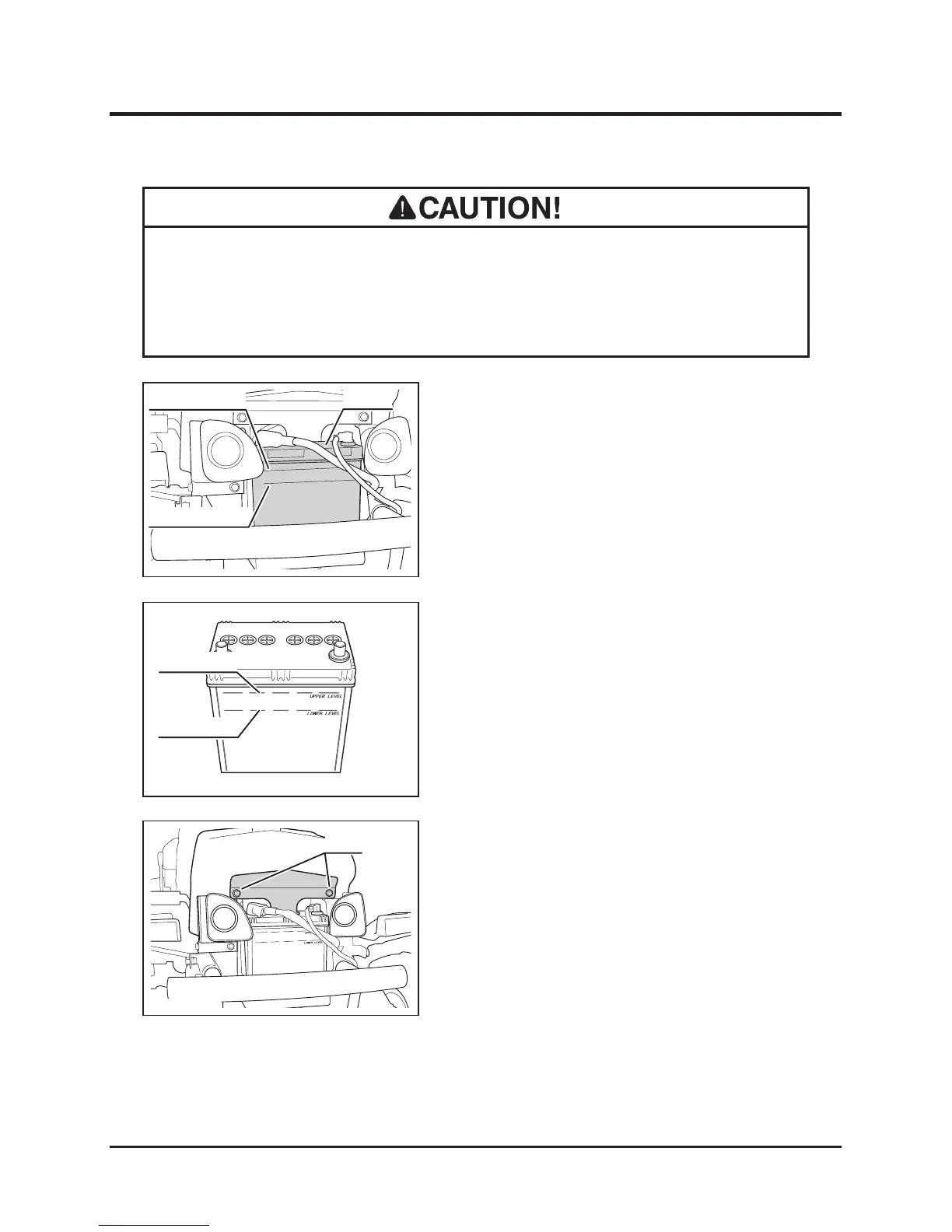
2. Remove two bolts and remove plate.
1. Park machine on level ground.
2. Remove front cover.
Inspecting
Always remove battery from machine before charging. Failure to do so causes
damage to electrical components and wiring.
• Follow battery charger user's manual when charging.
Filling
3. Visually inspect that battery uid level is
between "UPPER LEVEL" and "LOWER
LEVEL" lines.
4. If uid level is near or below "LOWER
LEVEL" line, ll.
5. Install front cover back in place.

5323M-0510-010E
Upper Level
Lower Level
Bolts
5323M-0510-040E

Table of Contents

Related product manuals