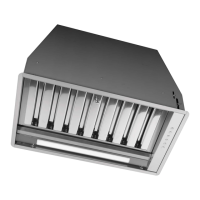
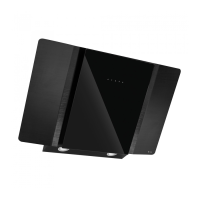
Instruction manual COR540SL10
Please keep this instruction manual for future reference
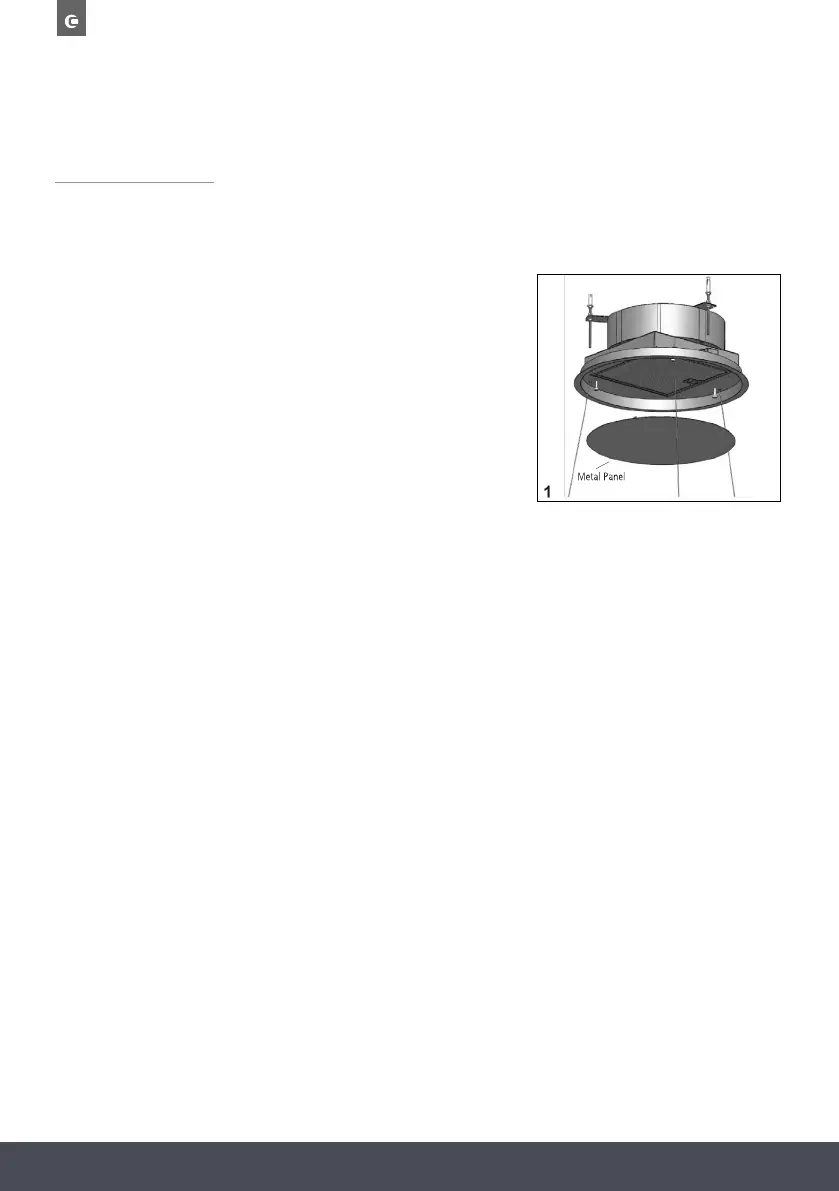
It is possible to open the grease filter cover panel pulling it gently, as shown in fig. 1.
The panel is fixed with three magnets, there are two safety
cables to release in order to remove the panel from
the product.
For the correct working, it is recommended to install
the product at a maximum distance of 2000 - 2100mm,
from the floor level.
Before proceeding with the installation of the appliance,
check that all the components are not damaged, otherwise
please contact your retailer and do not continue with
the installation.
Use an air outlet pipe with a maximum length of no more than 5 metres.
› Reduce the number of curves in the duct as each curve reduces the suction efficiency
equivalent to 1 linear meter. (E.g. If 2 90° curves are used, the length of the duct should not
exceed 3 meters in length).
› Avoid abrupt changes of direction.
› Use a duct with a diameter of 150mm constant over the entire length.
› Use a duct of recognised and approved material.
OPENING THE PANEL



 To Next Page