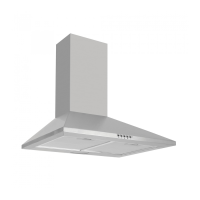
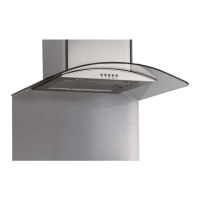
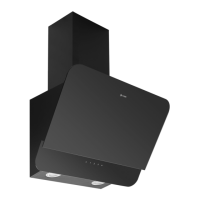
Instruction manual OM600 OM900
14
Please keep this instruction manual for future reference
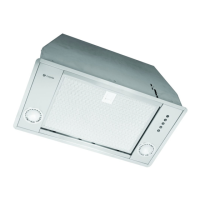
OPERATION - TOUCH CONTROL
ON/OFF BUTTON
Press and hold for 2-3 seconds to turn the extractor fan on.
You can then change the speeds as per below. Press again to switch off.
LOW SPEED BUTTON
Is suitable for simmering and cooking which does not produce much
steam or odour.
MEDIUM SPEED BUTTON
Airflow speed is ideal for extracting with standard cooking.
HIGH SPEED BUTTON
When a high amount of steam or odours are produced, use the high speed setting for the
most effective extraction.
LIGHT BUTTON
Switches the light on and off.


 To Next Page