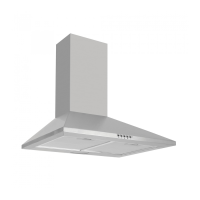
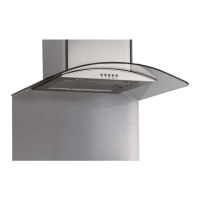
Instruction manual OM600 OM900
16
Please keep this instruction manual for future reference
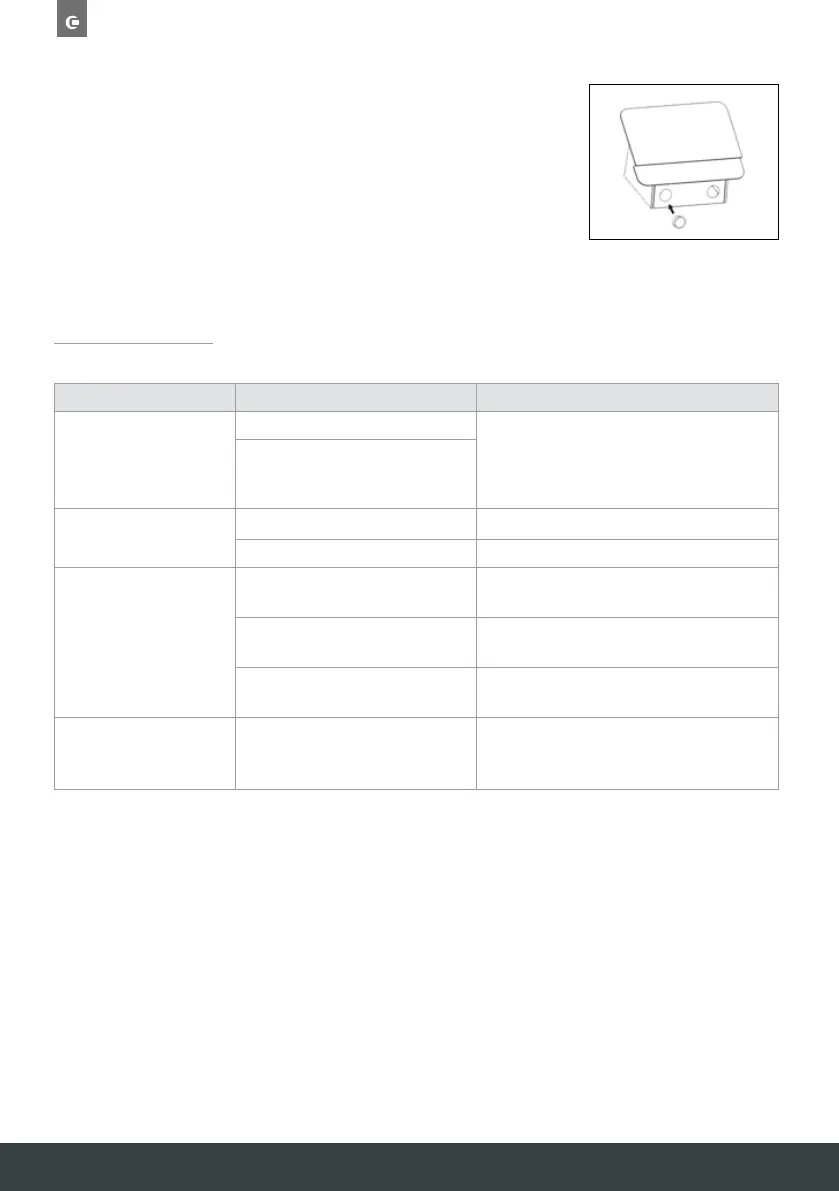
REPLACING THE BULB
1. Switch the unit off and unplug the appliance.
2. Push out and unclip the old LED light.
3. Replace with the same type and rated bulb/lamp fixing.
LED lamp (max.1.5W).
TROUBLESHOOTING
If the above table has not solved the problem please contact Caple Service by phone on
0117 938 7420 or by email service@caple.co.uk
FAULT CAUSE SOLUTION
The lights on, but the fan
does not work
The fan blade is jammed
Switch off the unit and contact Caple Service. To
be repaired by qualified service personnel only.
The motor is damaged
The lights and fan do
not work
A blown fuse Replace the fuse.
The power cord is loose Plug in to the power supply again.
Serious vibration of the unit
The fan blade is damaged
Switch off the unit and contact Caple Service. To
be repaired by qualified service personnel only.
The fan motor is not fixed tightly
Switch off the unit and contact Caple Service. To
be repaired by qualified service personnel only.
The unit is not hung correctly on the
bracket
Take down the unit and check whether the
bracket is in the correct location.
The extraction performance
is not good
The filter requires cleaning Clean the grease filter as directed in the ‘Care
and maintenance’ section. Replace the charcoal
filter (if in recirculation mode).


 To Next Page