2. Getting started
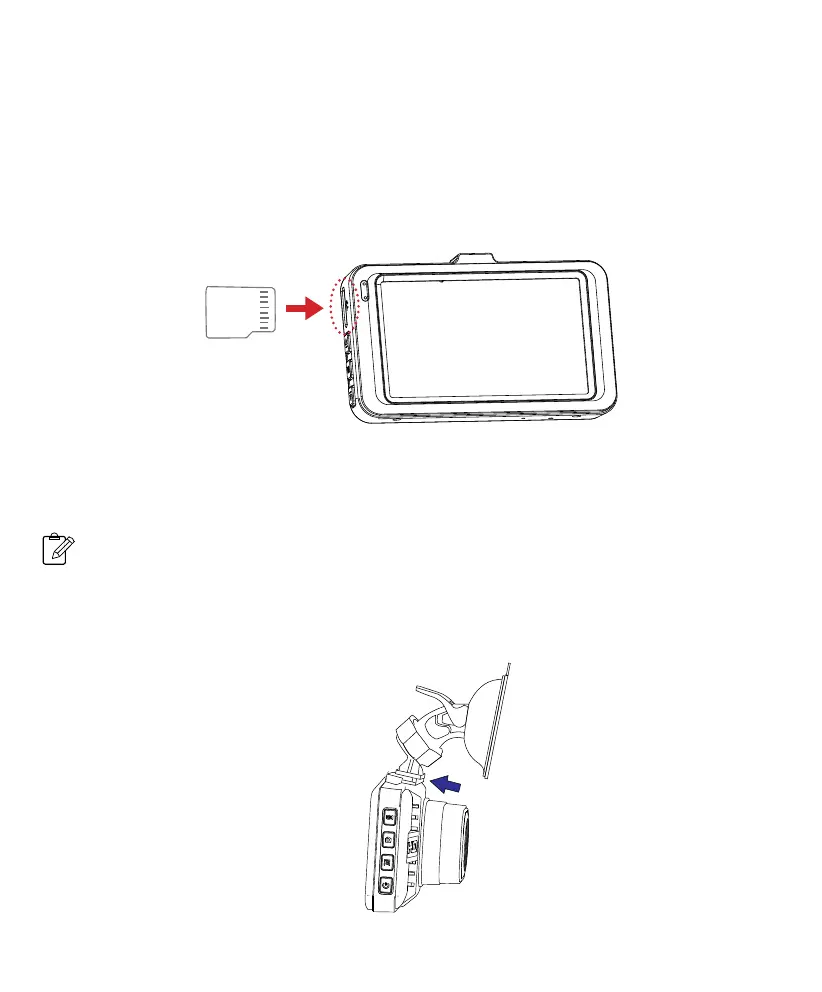
2-1 Inserting a memory card
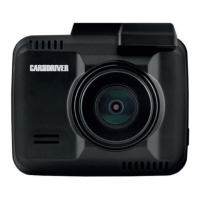
2-2 Mounting the Dash Cam
Class 10 or higher TF memory card must be used with a storage capacity of 8GB ~ 32GB.
It is strongly recommended that minimum 8GB memory card is used for HD recording.
1. Place the mount so it is aligned with the mounting slot, and push it in until it clicks into place.
Then remove the protective film from the camera lens and protective film from the suction cup.
1. As shown in the illustration, hold the edge of the TF memory card, and insert the TF memory
card into the slot with the metal contacts facing up and push until you hear a click.
To remove the TF memory card, gently push on the edge of the card in until it click out from the slot,
then pull out the card.
Note: Make sure the contacts of
the TF memory card are facing the
same direction as the display.
Inserting a TF card
Do not apply excessive force on the TF memory card or attempt to insert it in the wrong
direction, this may cause damage to the TF memory card and the card slot.
Note
4 EN


 To Next Page