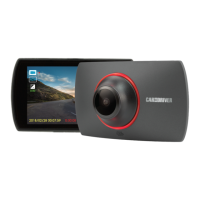
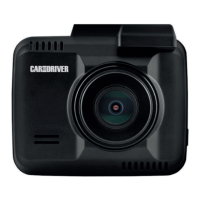
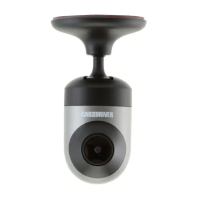
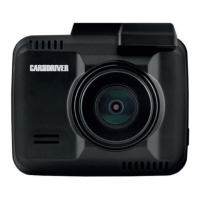
1. Connect one end of the supplied power cable to the Mini USB port of the Dash Cam.
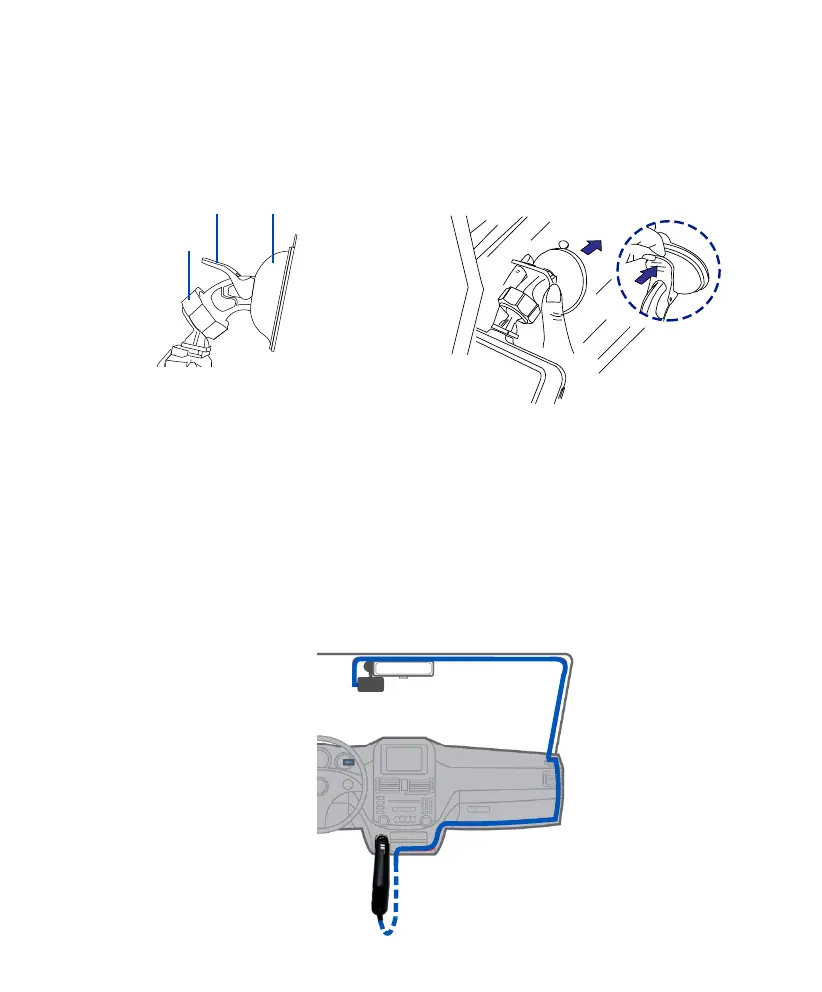
2. Plug the other end of the power cable into your car’s DC power outlet, and route the power cable
around the ceiling/passenger seat so that it does not interfere with driving.
Note: You may tuck the cable between the paneling of your windshield and/or A-pillar space if
available.
4. Turn the knob of the mount to adjust the camera’s angle. Make sure the Dash Cam always faces
forward, and levels with the vehicle and the road. Turn the dash cam on to record videos and check
camera position.
2. Clean the area on the windshield where the Dash Cam will be installed.
3. Press the Suction Cup of the mount down onto the windshield where it has unobstructed view of
the road but does not interfere with the driver’s view, then push the lock down to secure it in place.
The camera lens is located on the left side of the device, so we recommend installing the Dash Cam
on the right side of the center behind the rearview mirror.
Suction Cup
Lock
Knob
2-3 Connecting the Dash Cam to power supply
5 EN


 To Next Page