Car-O-Liner Group AB CTR12000
6 41644, EN - rev. 2, 2012-09
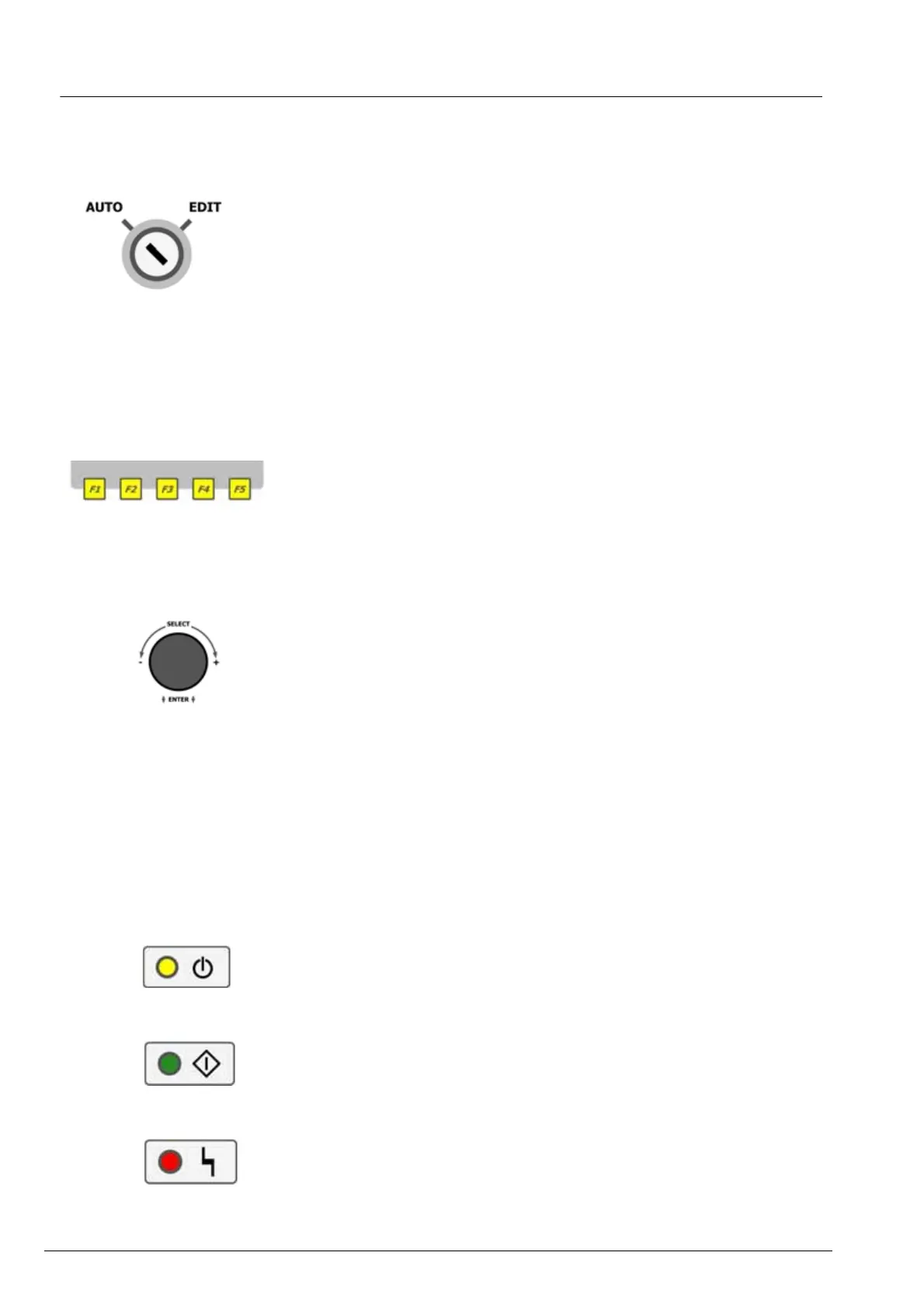
1.1.2 Key-operated switch (2)
The key lock switch allows access and selection of the operating modes
“AUTO“(Automatic operation) and “EDIT“(Edit//Program). The standard
mode for welding operation is “AUTO”.
Service menus are only accessible while the key lock switch is in position
“EDIT“. Pull out the key to prevent any manipulation by unauthorized per-
sons and keep it in a safe and accessible place.
1.1.3 Soft keys (3)
The soft keys (membrane switches) are used for selecting the functions that
are indicated in the lower display bar – exactly above the corresponding soft
key. You can also use the rotary encoder to call these functions.
1.1.4 Rotary encoder (4)
The rotary encoder can be used to select all the welding functions being
available. For this purpose, turn the rotary encoder until the desired function
is displayed in a gray field. Then press the switch for activating the corre-
sponding function or the selection menu (windows based).
Depending on the menu, the ESCAPE button (at the bottom right of the dis-
play) or the term “ESCAPE” appears. Select the ESCAPE button or the
ESCAPE function, if you do not wish to make a choice. All the settings
made before in the menu concerned are cancelled and the original values are
maintained.
1.1.5 LED indicators (5-10)
(5) YELLOW: Indicates that the welder is ready for operation
(6) GREEN: Indicates that welding operation is being performed
(7) RED: Indicates pending malfunction


 To Next Page