support@carbide3d.com 1
Welcome and Congratulations
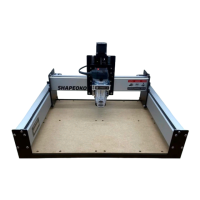
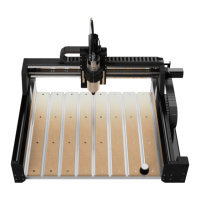
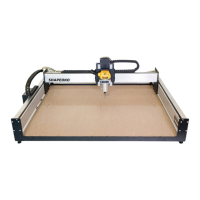
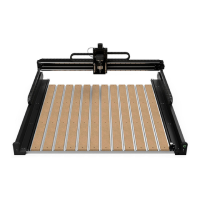
You are now the proud owner of the Shapeoko 3, an incredibly powerful and easy-to-use CNC machine.
In this guide we will walk you step-by-step through the assembly of your Shapeoko 3. If you run into any
problems along the way, send us an email at support@carbide3d.com and we’ll help get you back on track!
Important Notes Used in This Guide
We use three types of call-outs: Warnings, Notes, and Pro Tips:
Do NOT Use Power Tools
Use hand tools only. Do NOT use power tools to assemble your Shapeoko 3.
Finger-Tight Only
to do so.
Firmware
Stepper Motors
cause them to generate electricity.
H
ave Questions? Need Help?
Shapeoko 3. Just send us an email at support@carbide3d.com and we’ll get back to you right away!
06/01/2020 Version 4.0
Table of Contents
Welcome and Congratulations.....................................................................................................1
Important Safety Instructions......................................................................................................2
Machine Operating Checklist........................................................................................................3
Step 1 Inventory.............................................................................................................................4
Step 2 Baseframe.........................................................................................................................12
Step 3 Carriages............................................................................................................................16
Step 4 Gantry.................................................................................................................................24
Step 5 Belting................................................................................................................................28
Step 6 Proximity Switches.........................................................................................................34
Step 7 Wiring.................................................................................................................................38
Step 8 Compact Router................................................................................................................44
Step 9 Level and Square.............................................................................................................48
Next Steps......................................................................................................................................50
Connect to Power.........................................................................................................................50
Download the Software..............................................................................................................51
Congure Carbide Motion 5......................................................................................................51
Run the Test Project....................................................................................................................53
Workholding.................................................................................................................................54
Cutting Tutorials and Projects...................................................................................................55
User Guides and Video Tutorials...............................................................................................55
Glossary of Terms.........................................................................................................................56
Machine-Use Log..........................................................................................................................56
WARNING: This is a warning. Information in these boxes is VERY important. Pay close attention.
WARNING: When moving the gantry by hand, go slowly. The power generated by the stepper motors
will feel like bumps. If the lights on the Carbide Motion board are lighting up, it’s very important to slow
down because you are pushing electricity back through the board. Too much back ow could damage
the Carbide Motion board.
NOTE: This is a note—information that points out critical steps or information for future reference.
PRO TIP: This is a pro tip. Anytime you see one of these, you will nd helpful additional information.


 To Next Page
 Loading...