54 docs.carbide3d.com support@carbide3d.com 55
Workholding
workholding is to secure your material to the machine in a way that will not yield to the forces of machining. The most
common forms of workholding are:
•
•
DIY Workholding Projects
Hold-Down Solution: cutrocket.com/p/5df928247387d.
Hold-Down Clamps:docs.carbide3d.com/tutorials/shapeoko-clamps.
Workholding Solutions Available in the Carbide 3D Store
Cutting Tutorials and Projects
Star Wars Coaster Project is an excellent crash course on how to use your Shapeoko 3. The tutorial walks you through
designing a simple set of coasters in Carbide Create and then executing the project with Carbide Motion. Follow the
complete project tutorial at: docs.carbide3d.com/tutorials/project-coaster.
More Beginner Tutorials
Each tutorial will get you more comfortable using Carbide Create to set up your design and Carbide Motion to run the
cutting project. Here are a few great tutorials to get you started:
MAKE Makey Wall Plaque: docs.carbide3d.com/tutorials/makey
Weber Sign: docs.carbide3d.com/tutorials/tutorial-signs/weber-sign
Nerd Coasters: docs.carbide3d.com/tutorials/project-nerdcoasters
Projects on CutRocket
Visit cutrocket.com
own projects!
User Guides and Video Tutorials
As you get started running beginner projects with your Shapeoko 3, we also recommend you browse through our
docs.carbide3d.com
get up and running with your Shapeoko 3, and to help answer common questions you might run into.
User Guides and Videos
Carbide Create Video Tutorials:docs.carbide3d.com/assembly/carbidecreate/video-tutorials
Carbide Motion User Guide: Check out the User Guide at docs.carbide3d.com/assembly/carbidemotion/userguide
YouTube Channel:
machining how-tos, and new product releases at youtube.com/carbide3d
Tooling and Tool‑Change
Carbide 3D Tooling Guide: Learn about the different types of end mills and how to choose the right tool for your project
at docs.carbide3d.com/tutorials/tutorial-tooling
Tool Change Tutorial: Learn how to use multiple tools on a single job (excellent information about homing, job zero, and
docs.carbide3d.com/tutorials/tool-change
Shapeoko Feeds and Speeds Chart:
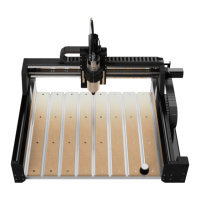
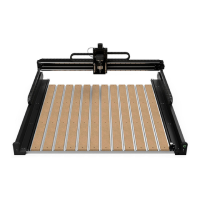
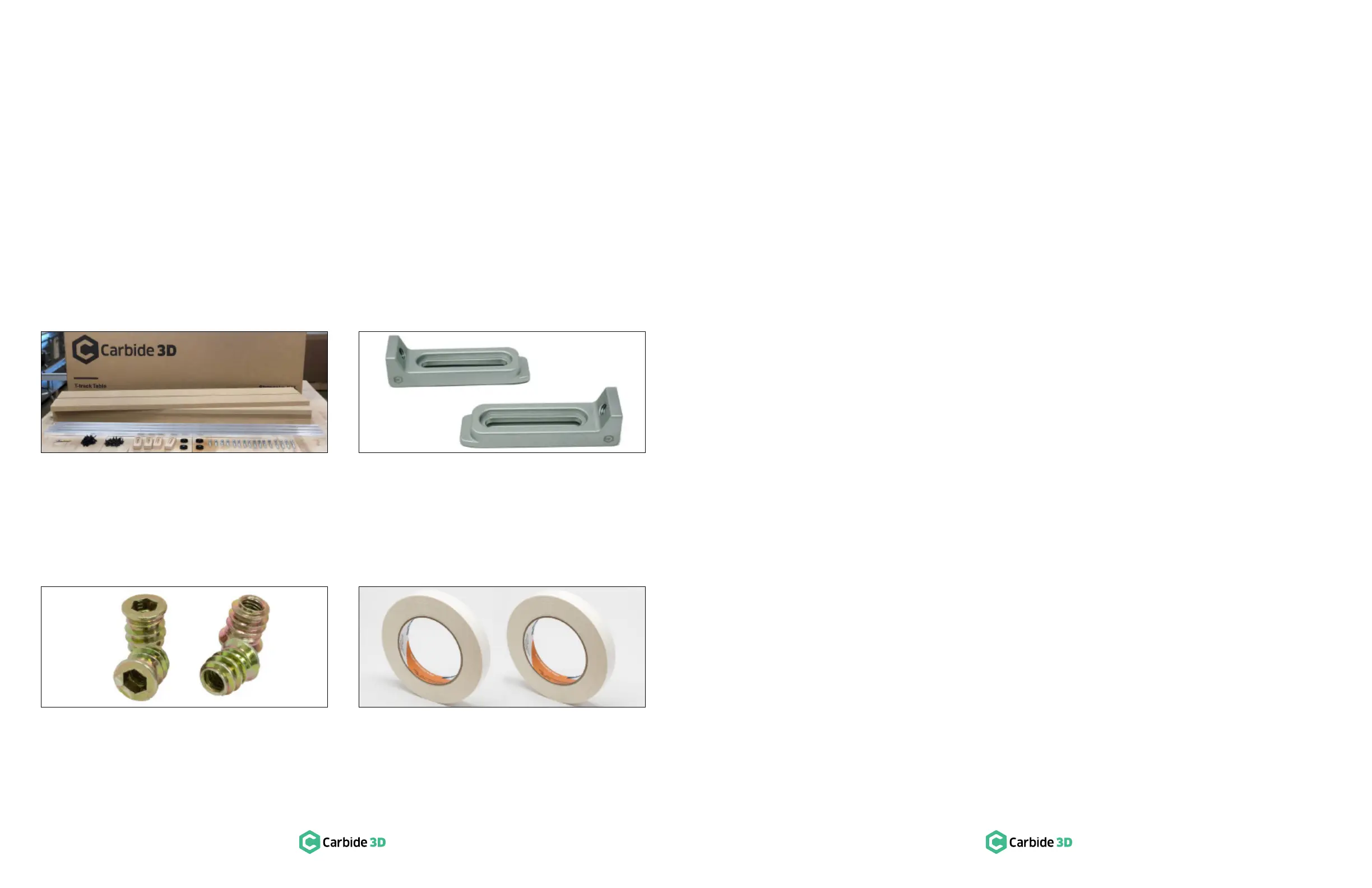
T‑Track and Clamp Kit
machine!
Purchase:
shop.carbide3d.com/collections/accessories/products/t-track-table
Gator Tooth Clamps
these beasts will hold your job down safely and securely. Clamps
come in anodized aluminum or stainless steel.
Purchase:
shop.carbide3d.com/collections/accessories/products/gatortooth
Threaded Inserts
a few to hold down material in a jig. Inserts come in packs of 100.
Purchase:
shop.carbide3d.com/collections/accessories/products/threaded-inserts-qty-100
Double‑Sided Tape
This high-quality double-sided tape is ideal for holding down
″ wide, 5
Purchase:
shop.carbide3d.com/collections/accessories/products/double-side-tape
• Top clamps
• Vise
•
• Vacuum table


 To Next Page
 Loading...