EasyManua.ls Logo

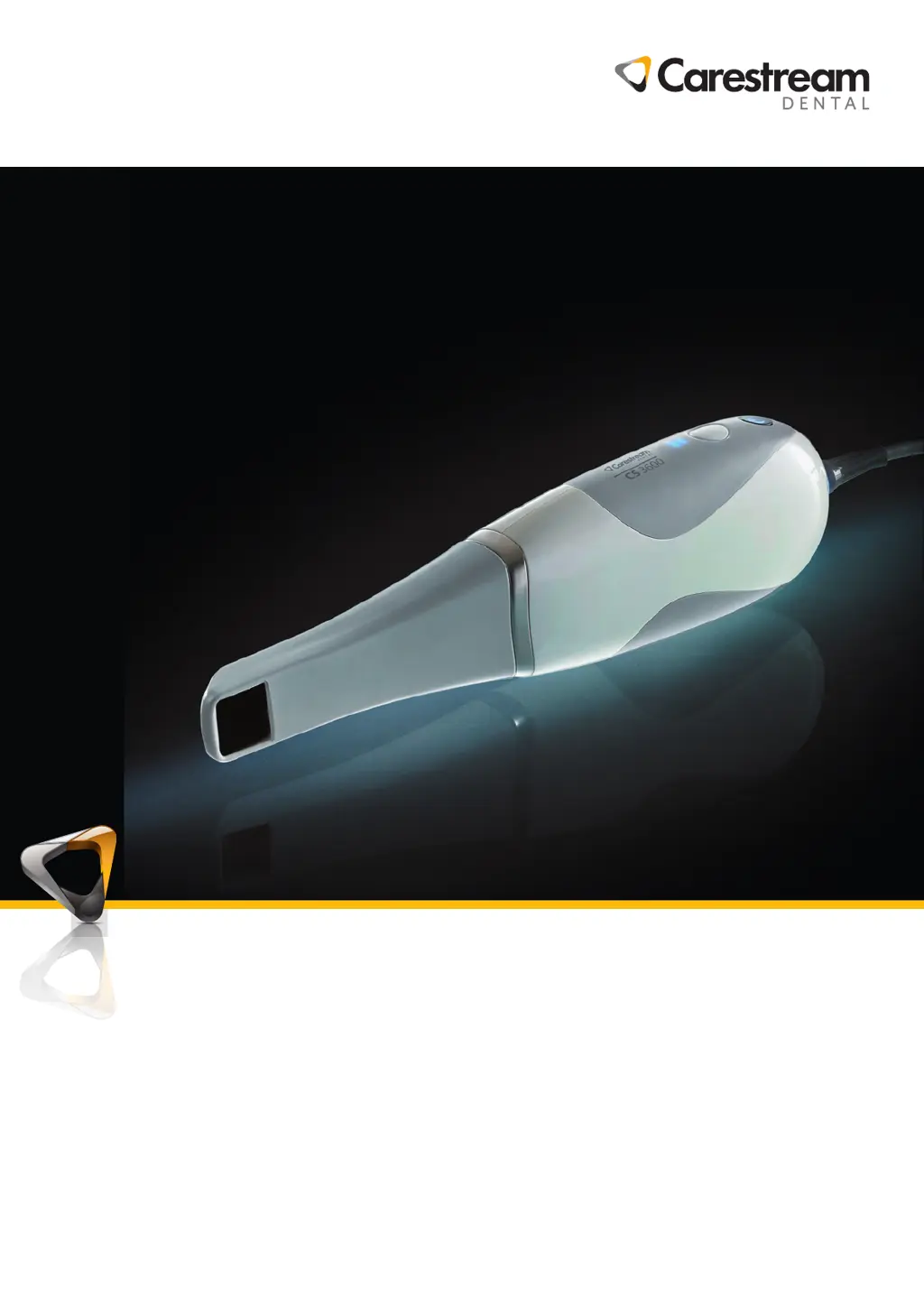
Carestream DENTAL CS 3600 - User Manual

Carestream DENTAL CS 3600
22 pages
Print Icon
To Next Page IconTo Next Page
Loading...
User and Installation Guide
CS 3600
EN

Questions and Answers

Summary

Conventions in This Guide

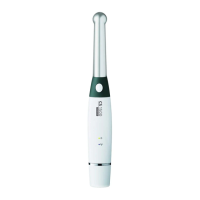
CS 3600 Family Overview

CS 3600 Family Holder Overview

Details on using the scanner holder as a desktop or wall mount, including installation steps.

CS 3600 Family USB Cable Storage

Instructions on how to properly coil and store the USB cable to prevent damage.

Setting Up the Scanner

Using the Desktop Holder

Steps to install the scanner holder on a desk using adhesive tape for secure placement.

Installing the Wall Mount Holder

Instructions for affixing the scanner holder to a solid surface using screws.

Preparing the Scanner

Guide on cleaning the lens, attaching tips, and powering on the scanner for initial use.

Maintenance

Cleaning, Disinfecting, and Sterilizing

Procedures for regular cleaning, disinfecting, and sterilization of the scanner and its accessories.

Troubleshooting

CS 3600 Family Troubleshooting Instructions

Provides solutions for common problems encountered during scanner operation and image acquisition.

Contact Information

Manufacturers Address

Official address of Carestream Dental LLC, the manufacturer of the CS 3600 system.

Authorized Representatives

Lists authorized representatives in the European Community, importer, and representative in Brazil.

Carestream DENTAL CS 3600 Specifications

General IconGeneral
BrandCarestream DENTAL
ModelCS 3600
CategoryDental equipment
LanguageEnglish

Related product manuals