2-12 2G8647 2010-11-04
Using and Maintaining the Imager
1. On the touch screen, touch:
a.
Unlock icon
b. Unlock Film Supply
c. OK
2. Open the main door.
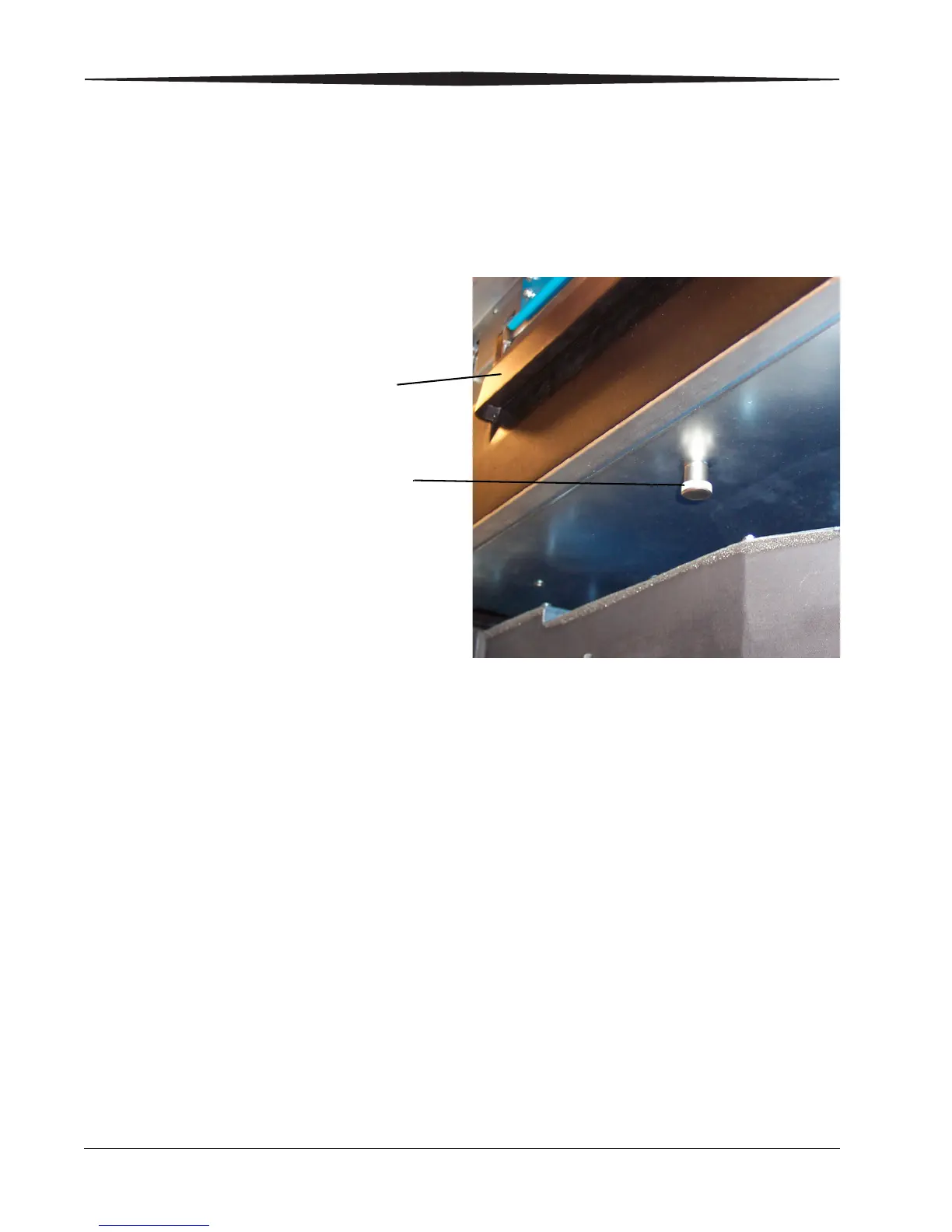
3. Pull down on the release knob.
4. Remove the PMM.
5. Install the new PMM.
6. Close the main door.
7. Log the change in the Imager. On the touch screen, touch:
• Utilities
• Change filter
• Log Filter Change
• Ye s
• OK
8. Touch:
• Close to return to the Utilities screen, or
• Main to return to the Main Screen.


 To Next Page