LB.05099.02 Pag. 38 18/10/16
UPGRADE DIVA SOFTWARE
A FAST ILLUSTRATE GUIDE FOR SHOWING HOW UPGRADE SOFTWARE ON DIVA COFFEE MACHINE.
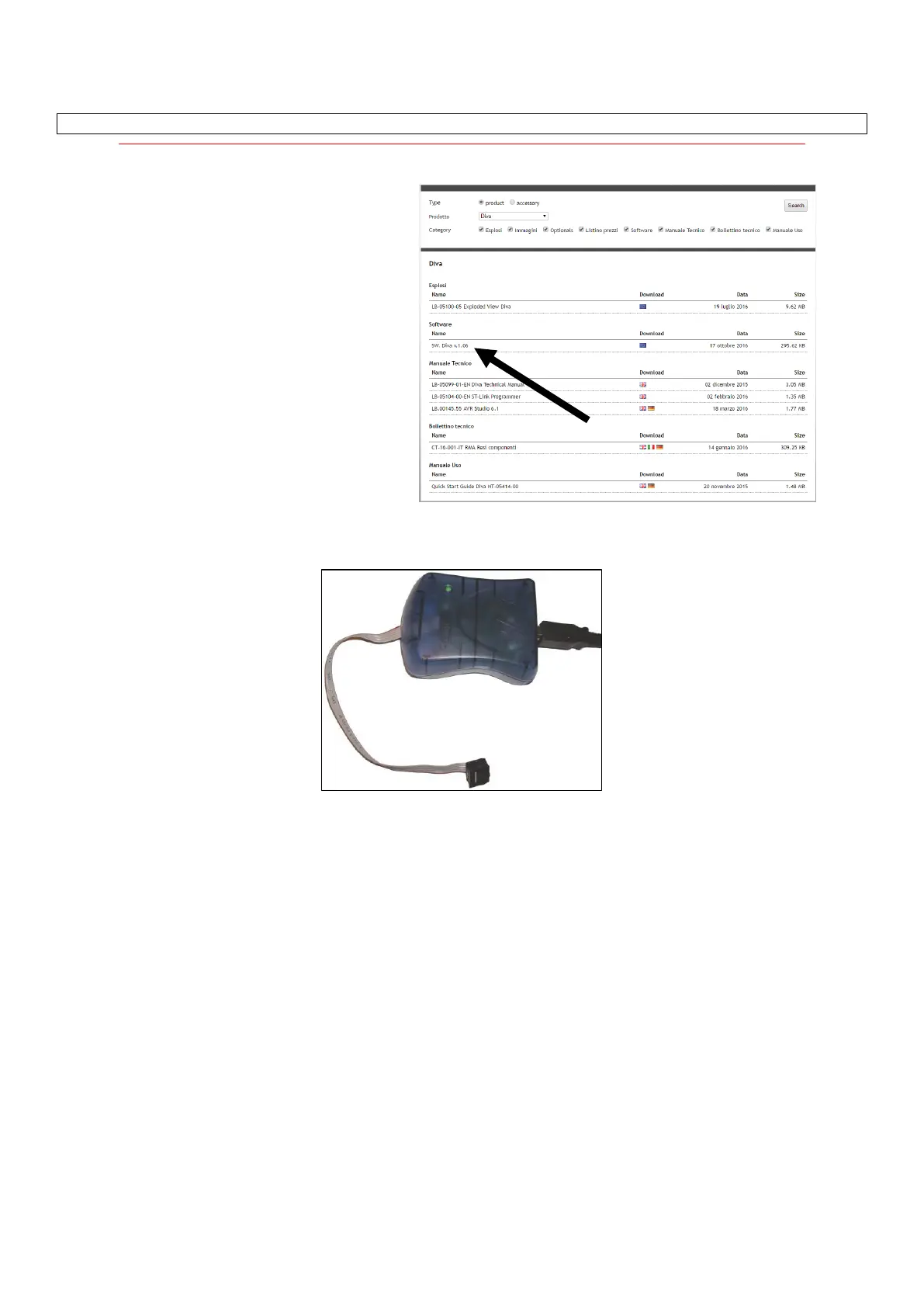
Go on Carimali official website and download from the
website the compress folder.
Decompress and open the folder.
1) MASTER PCB
Use AVR programming KIT to upload software on master PCB. See procedure in relevant manual LB.00145
2) DISPLAY PCB
If the machine has release V1.05A or lower, you have to first install the BOOTLOADER by using ST LINK programmer
and ten upgrade software by following procedure at point 2.2)
If the machine has release V1.06 or higher, you can upgrade software by following procedure at point 2.2)
2.1) Install the BOOTLOADER (only for machine having release V1.05A or lower)
Use ST LINK programming KIT to upload the BOOTLOADER software on display PCB. See procedure in relevant manual
LB.05104












 To Next Page