BT2 user manual - H-5911-9004-02-B Page | 26
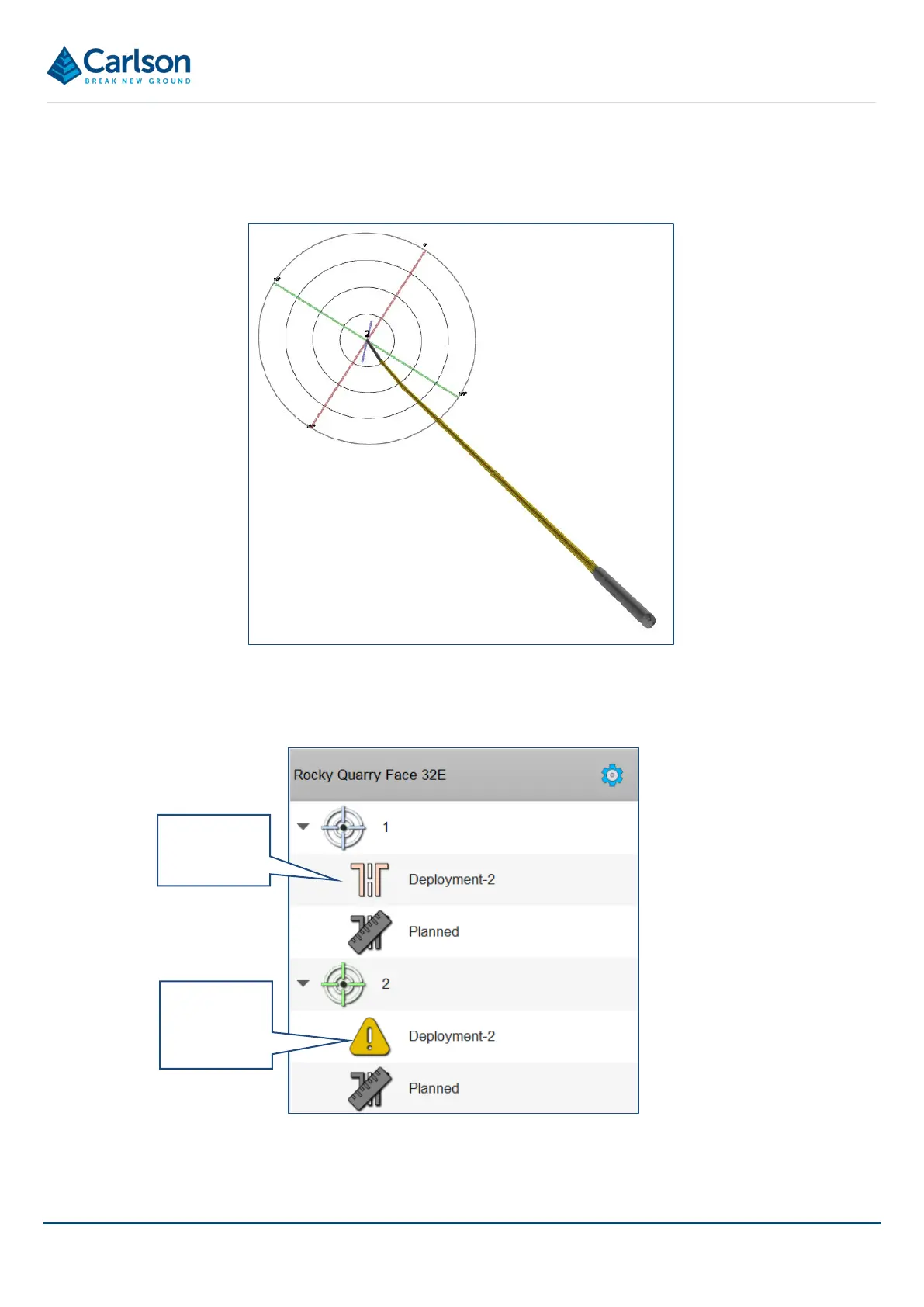
In the 3D View all segments added after the Bluetooth link has been disconnected are shown as flashing yellow.
These yellow segments are provisional and are just based on the last live reading taken. They will be updated
when the Bluetooth link is reconnected, and data is downloaded from the probe at the end of the survey.
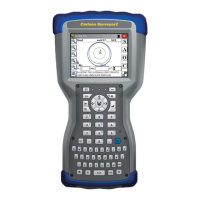
In addition, with no live Bluetooth link, the deployment displayed in the Project tab is shown as a yellow warning
triangle.
All data must be downloaded from the probe before any analysis of the data is carried out, and before any
reporting or exports are generated. Therefore, before saving and closing the project, ensure that a live Bluetooth
with all data
with data yet
to be
Figure 22 Readings taken while Bluetooth is disconnected
Figure 23 Project tree showing a warning triangle



 To Next Page