26 | Page
BRx7 User Manual
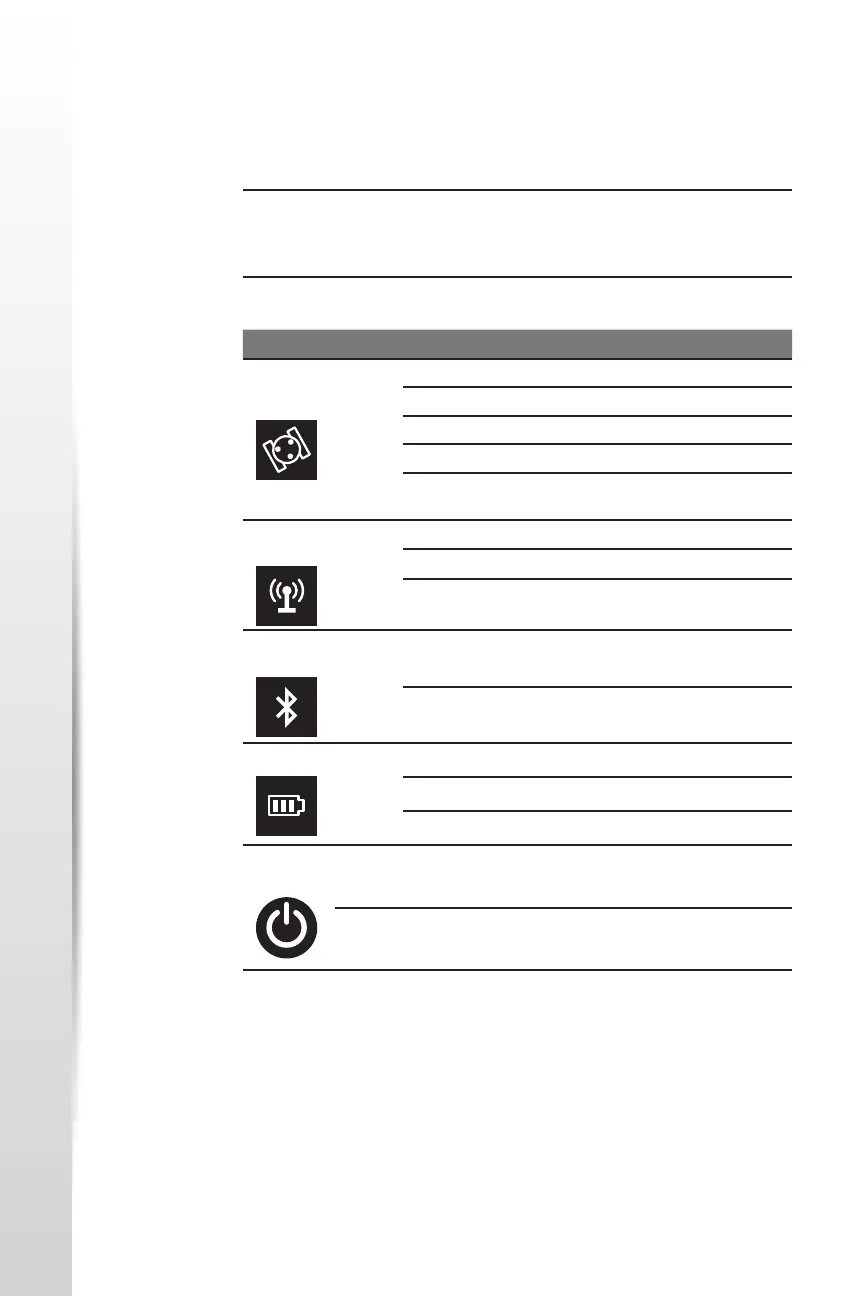
Refer to the table below for informaon on the control panel LED
indicators.
Table 3‐1: LED lndicators
Control Panel
overview
Control Panel Overview
Icon Colors Descripon
Satellite
LED
Red
Green
O Not receiving satellites
Flashing Red Receiving satellites but no soluon
Flashing Green Has a soluon but is not xed
Green Fixed
Alternate Red
and Green
GNSS receiver board abnormal
Data Link
LED
Green
Blue
Green
Datalink setup complete
Flashing Green
Data transming normally
Flashing Blue
ln stac mode, ashes according
to the sampling intervals
Bluetooth
LED
Blue O
No Bluetooth connecon
is established
Blue
Bluetooth connecon
established
Power LED Red
Green
Green
Power is between 30% and 100%
Flashing Green
Power is between 10% and 30%
Flashing Red
Power is below 10%
Power
Buon
- -
Used to turn on and o the
receiver
-
Short press to broadcast the
current working mode and status



 To Next Page