Page | 27
Carlson Software
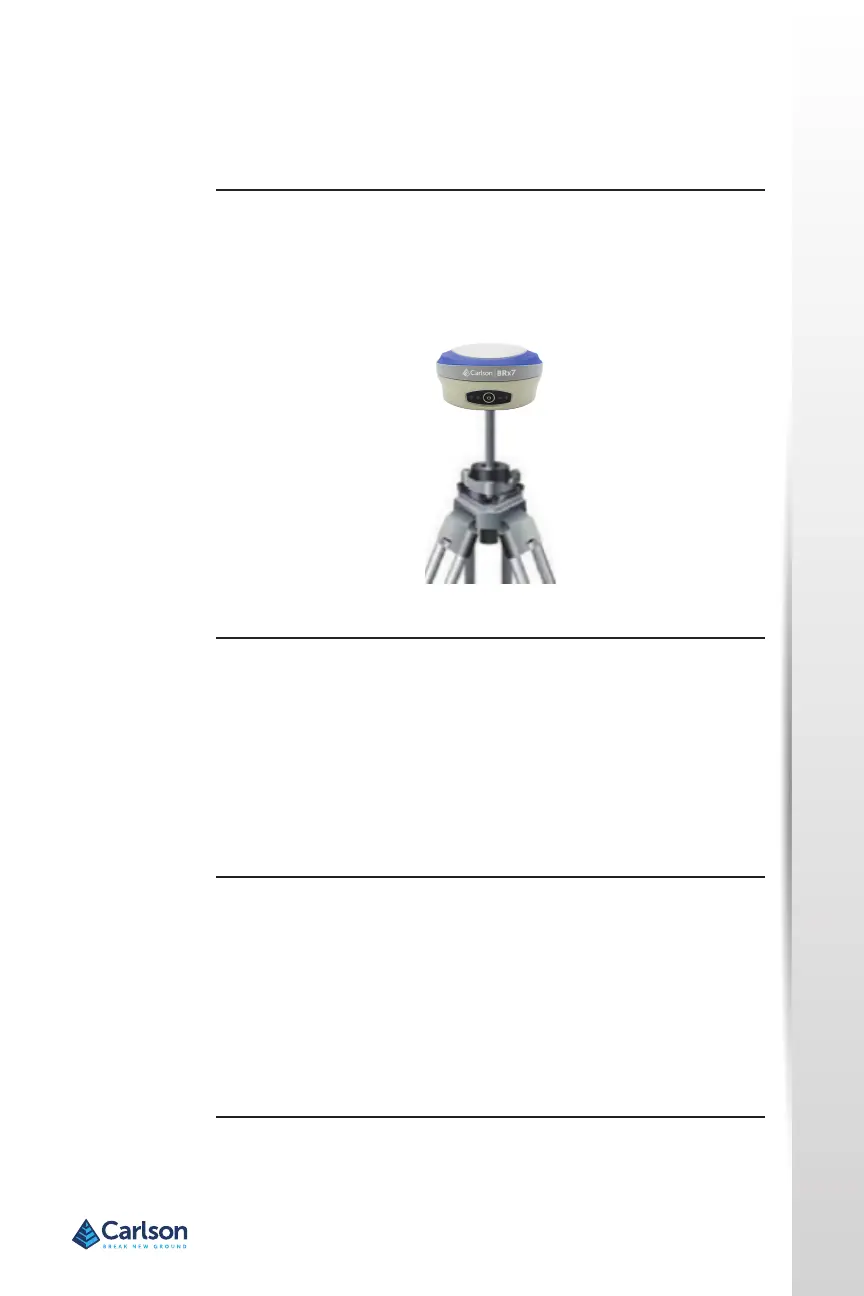
Figure 3‐1 shows a typical setup for a base staon (tripod is not included).
The antenna is connected to the boom of the unit; you have the opon of
aaching the antenna to the antenna bracket to face the antenna upward.
To install the base, complete the following steps:
• Put a tripod on a locaon with known or unknown coordinates, aach
the receiver to the tribrach.
• Aach the UHF radio antenna (not shown) to the TNC connector (if
using the internal UHF radio). We recommend using the 40 cm pole
extension to increase the height of the antenna.
• Switch on the receiver and select the base working mode.
To install the rover, complete the following steps:
• Aach the hand‐held bracket on the pole, x the hand‐held to the
bracket, put the rover on the pole and aach the UHF antenna to the
TNC connector (if using the internal UHF radio).
• Power on the receiver and select the rover working mode.
• Open the hand‐held and start the soware, then you can congure
the instruments.
Figure 3‐1: Base setup
Seng up the
BRx7
lnstalling the
base
lnstalling the
ROVER
Seng up the BRx7


 To Next Page