
 Need help?
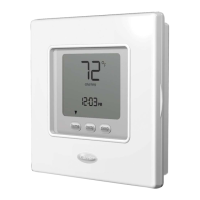
Do you have a question about the Carrier NUI 33AW-CS2 and is the answer not in the manual?
Guide to setting the current time and day on the thermostat interface.
Introduction to the thermostat's intuitive "Touch 'N' Go" programming option.
Important safety precautions to follow during installation.
Guidelines for selecting the optimal location for mounting the user interface.
Detailed steps for physically installing the user interface on the wall.
How installers can access the configuration mode for advanced settings.
 General
| Brand | Carrier |
|---|---|
| Model | NUI 33AW-CS2 |
| Category | Thermostat |
| Language | English |



 To Next Page