CONTROLLER
3 - 53
CX EXCAVATORS
RESETTING
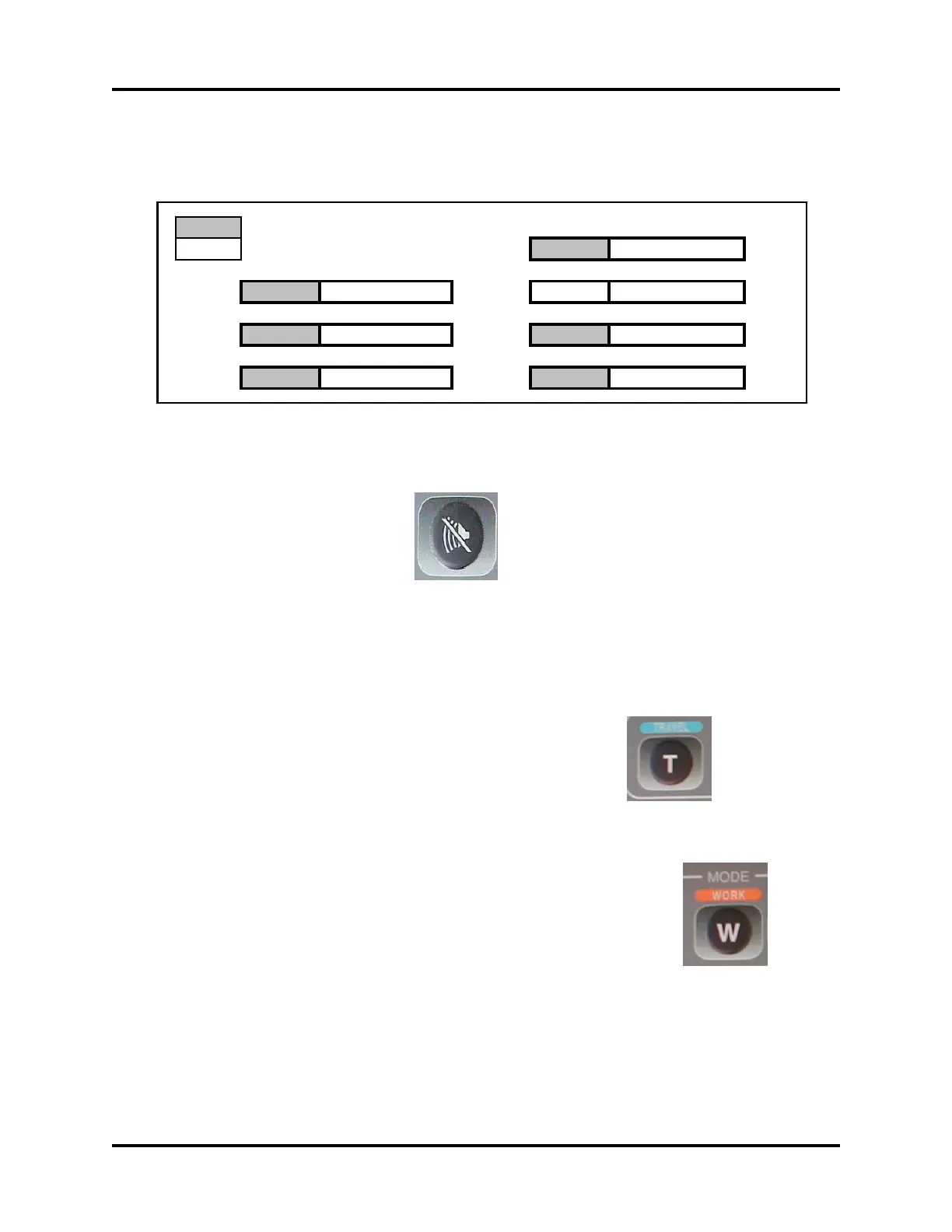
Auto Power Boost Set (CX210/CX240)
Push the Buzzer stop switch to select AU (item selected will have a light
background)
AU: 0 = With Automatic Power Boost
AU: 1 = Without Automatic Power Boost (No Power Boost H & S mode)
To set press the Travel mode switch to select 1 or 0.
To save the data push the Work mode switch for 10 seconds. The buzzer
will sound to indicate that 10 seconds have elapsed.
Turn the key switch off to complete the procedure.
Note: This will not eliminate L mode full time power boost.
RST MODE Hi, H
1 PA 0 0 0 0
BRK 0 0 0 0 RPM AU 0 0 0 0
L/M Not Used RPM HLD 0 0 0 0
AI 0 0 0 0 SEC OUT Not Used



 To Next Page