Need help?
Do you have a question about the Cashmaster One Pro and is the answer not in the manual?
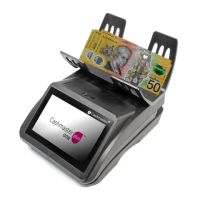
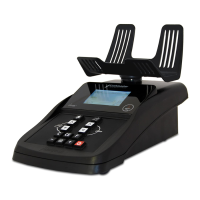
Details the three variants of the Cashmaster One product range: Pro, Plus, and Max.
Lists all included items and guides for installing the hod and optional printer.
Instructions on connecting the power adaptor and the steps to power up the Cashmaster One.
Explains the main Home screen layout and its common features across counter variants.
Describes the Count screen interface, options, and provides a guide to various icons.
Details the step-by-step process of weighing and counting coins, notes, and coupons.
Covers system settings, workflow editing, multi-till counting, and printer maintenance.
Guidance on removing the hod for cleaning and general care and maintenance of the counter.
Addresses common messages and solutions for counting notes, bills, and coin errors.
Solutions for printer malfunctions, note learning, vibration lockout, and low battery.
Details compliance with EMC, RoHS, and WEEE directives and relevant certifications.
Provides technical specifications for weight, dimensions, power, and battery for counter and printer.
 General
| Batch Function | Yes |
|---|---|
| Add Function | Yes |
| Power Supply | AC 220-240V, 50/60Hz |
| Display | LCD |
| Connectivity | USB |

 To Next Page