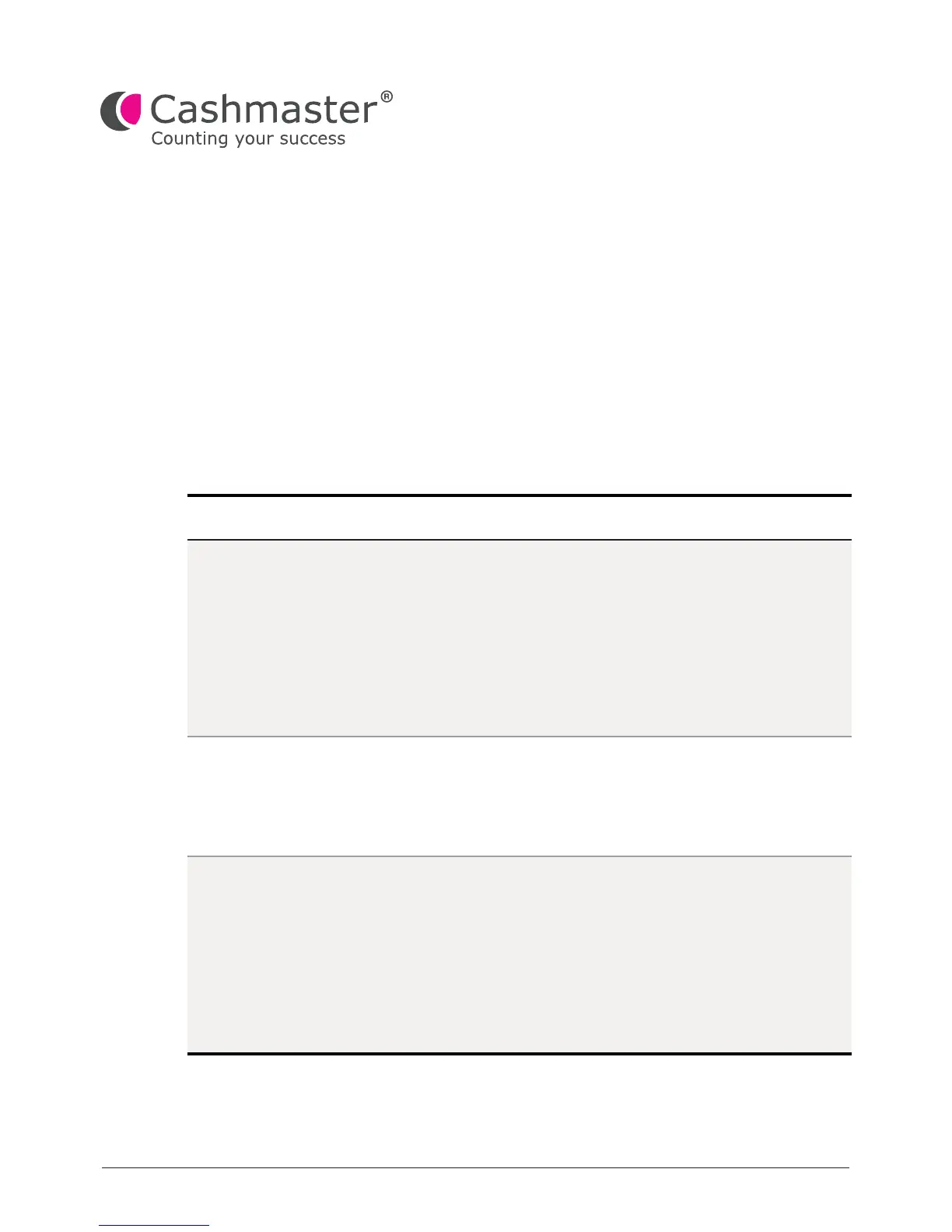
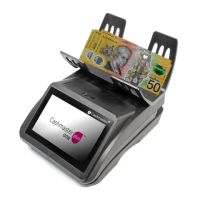
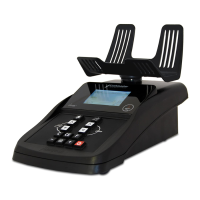
10479 - vE
40
5 Troubleshooting
5.1 Notes and bills
This chapter provides troubleshooting information to resolve common issues.
Description
Mode
Message
Scale has lost its
zero point
Please remove
scoop or till cup
from
the counter
Too many, remove
some
Loose
note
counting
Loose
note
counting
Loose
note
counting
Your counter has drifted from its factory-
calibrated zero weight, usually due to a
draft or vibration.
Ensure the hod is empty and press the
power on/off button once.
Tap Tare and follow the on-screen
instructions.
You have left the scoop or till cup on the
hod while trying to count notes.
Remove the scoop and continue with the
counting workow.
Notes should be counted in slices of no
more than 30 notes at a time.
Remove a few notes until the message is
cleared and continue with the counting
workow.
For more information, see Section 5.4
“Note learning” on page 43


 To Next Page