30
You can quickly calibrate an alternative coin container using the Power Key Menu option
Coin Container.
4.1.1 Count modes
For more information, see Section 3.2 "Icons" on page 24
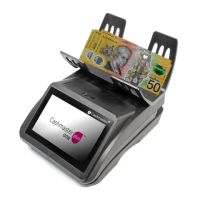
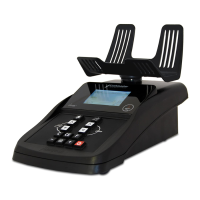
A cash count is the process of counting cash using a Cashmaster One device.
The Cashmaster One Plus and Max models allow you to congure multiple
‘cash count modes’. A count mode is comprised of the following congurable
settings:
• Count mode name
For example, Free Count or Till Count
• Workow
• Input ID requirements
For example, Till number
• Float bank settings
• Printer output options
For example, No signature lines, Cashier signature or Manager signature
• Storage and memory options
Whether or not the count is stored (Max only)
Count mode names are descriptive only, and do not affect the way in which a count mode
functions.
The workow describes the items you wish to count within the count mode,
and the order in which you wish to count them.
For example, your dened workow might involve weighing cash in the
following order:
4 Operations


 To Next Page