Using a Lesson to Master Song Play
EN-95
You can use the procedure below to disable note guide.
1.
Press MENU.
This displays the menu screen.
2.
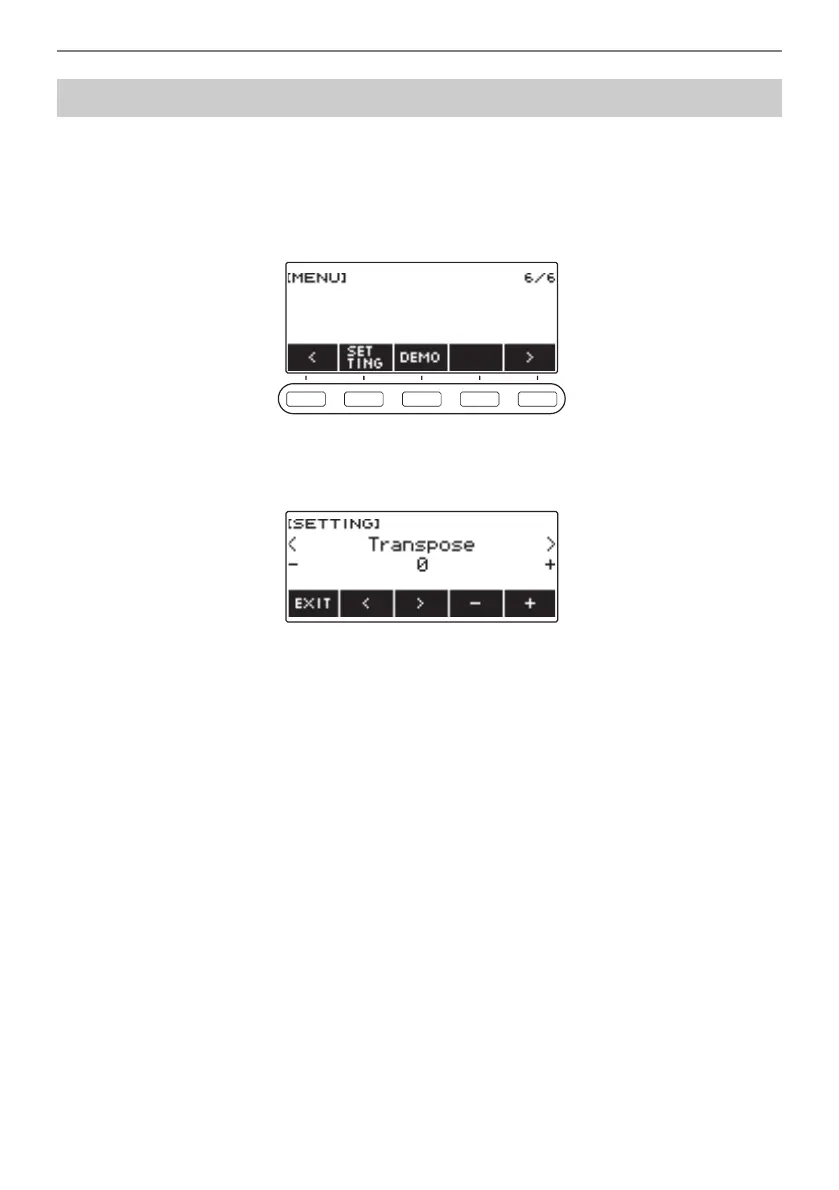
Use U and I to select the 5 buttons menu that includes SETTING.
3.
Press SETTING.
This displays the setting screen.
4.
Use U and I to select “Note Sound Guide”.
5.
Rotate the dial or use – and + to select “Off”.
6.
To exit the setting operation, press EXIT.
Disabling Note Sound Guide



 To Next Page
 Loading...







