65
Advanced Settings
Procedure
[r] (REC) * [MENU] * REC Tab * Continuous
For details, see the Control Panel procedure on page 38.
Procedure
[r] (REC) * [MENU] * REC Tab * Self-timer
With the Self-timer, pressing the shutter button starts a timer. The shutter is released
and the image is shot after a fixed amount of time.
• The front lamp flashes while the Self-timer countdown is in
progress.
• You can interrupt an ongoing Self-timer countdown by fully
pressing the shutter button.
Using Continuous Shutter (Continuous)
Using the Self-timer (Self-timer)
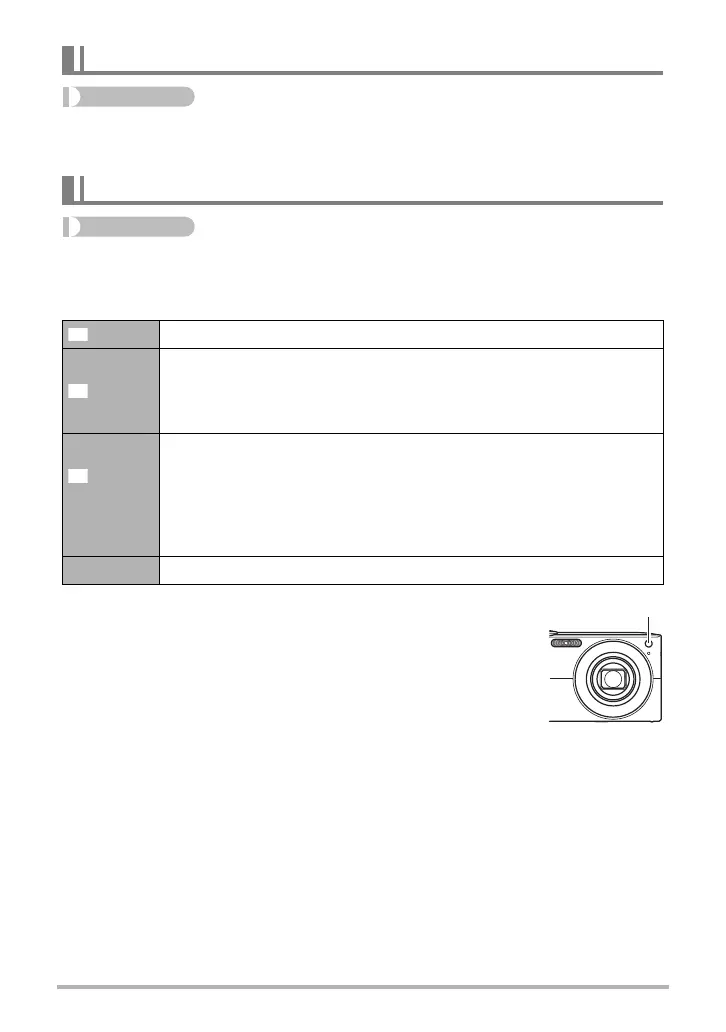
10 sec 10-second Self-timer
2 sec
2-second Self-timer
• When shooting under conditions that slow down the shutter speed,
you can use this setting to prevent image blur due to camera
movement.
X3
(Triple
Self-timer)
Shoots three images: one image 10 seconds after the shutter button is
pressed, and the next two images as soon as the camera is ready
after shooting the previous image. How long it takes for the camera to
get ready to shoot depends on the image size and quality settings,
whether or not a memory card is loaded in the camera, and the flash
charge condition.
Off Turns off the Self-timer.
Front lamp










 To Next Page