99
Other Playback Functions (PLAY)
1. In the PLAY mode, use [4] and [6] to scroll through the images until
the Audio Snapshot you want is displayed.
An audio snapshot is one that has a ˆ icon.
2. Press [SET] to start playback.
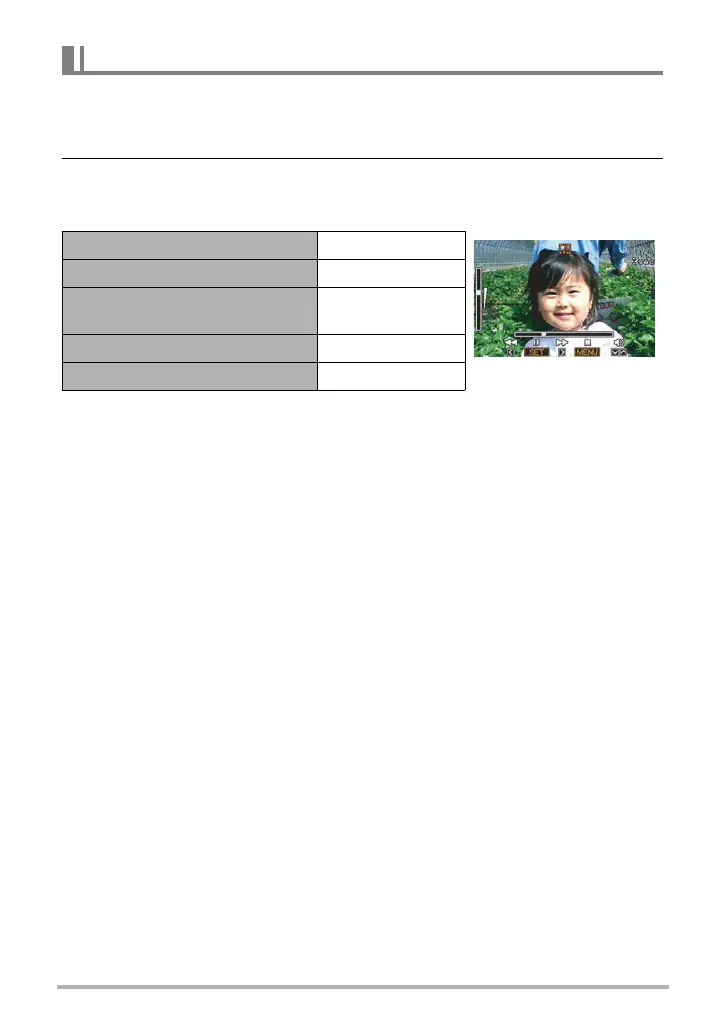
Voice Recording Playback Controls
• Audio of an Audio Snapshot also can be played back on a computer with
QuickTime (pages 114, 122).
To play snapshot audio
Fast forward/fast reverse [4] [6]
Play/pause [SET]
Volume adjustment
Press [2] and
then press [8] [2]
Display content switching [8] (DISP)
Stop playback [MENU]










 To Next Page