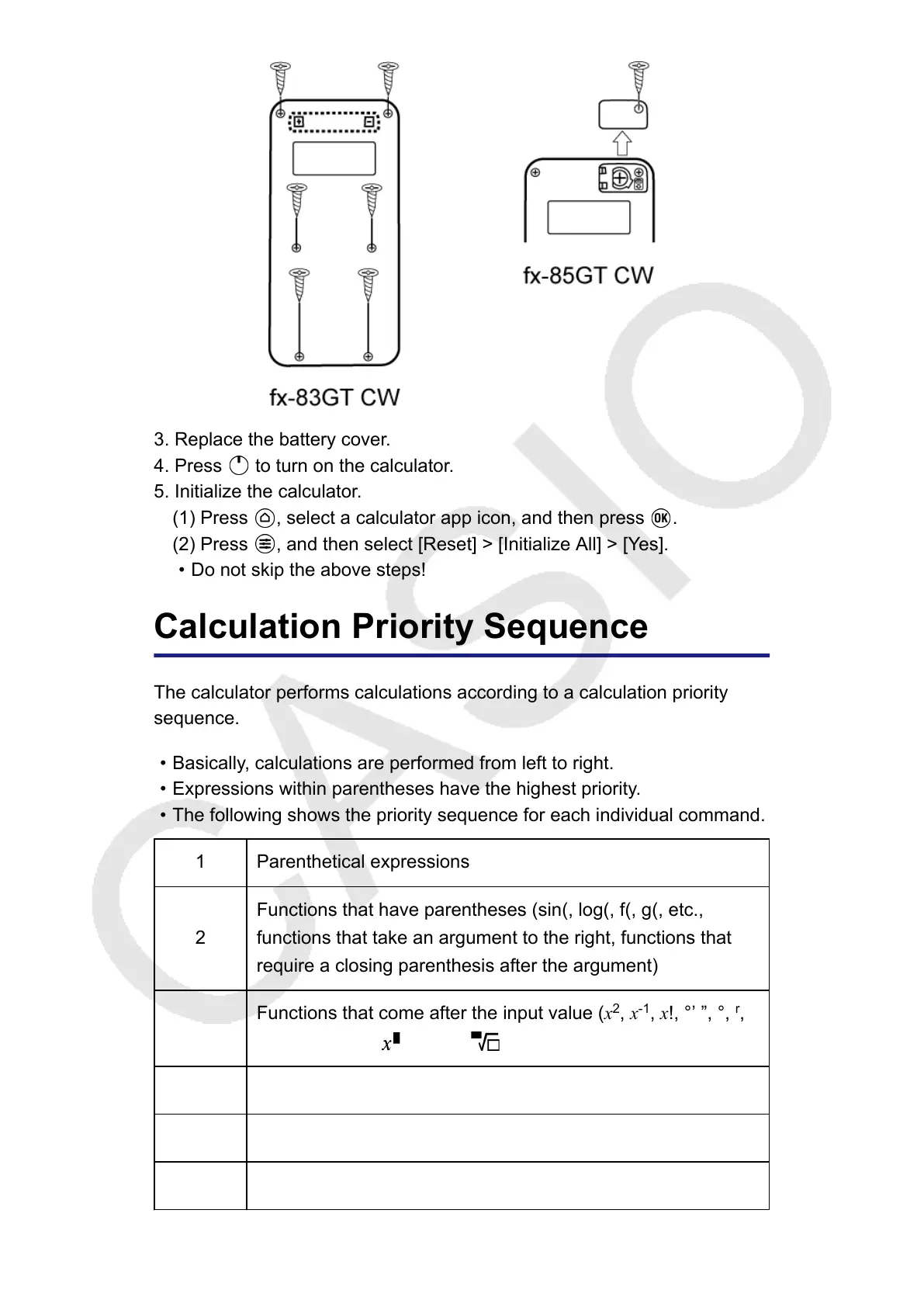
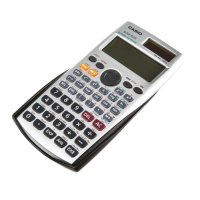
3. Replace the battery cover.
4. Press to turn on the calculator.
5. Initialize the calculator.
(1) Press , select a calculator app icon, and then press .
(2) Press , and then select [Reset] > [Initialize All] > [Yes].
•
Do not skip the above steps!
Calculation Priority Sequence
The calculator performs calculations according to a calculation priority
sequence.
• Basically, calculations are performed from left to right.
• Expressions within parentheses have the highest priority.
• The following shows the priority sequence for each individual command.
1 Parenthetical expressions
2
Functions that have parentheses (sin(, log(, f(, g(, etc.,
functions that take an argument to the right, functions that
require a closing parenthesis after the argument)
3
Functions that come after the input value (x
2
, x
-1
, x!, °’ ”, °,
r
,
g
, %), powers ( ), roots ( )
4 Fractions
5 Negative sign ((-))
6
Statistics app estimated values (xˆ, yˆ, xˆ
1
, xˆ
2
)
99



 To Next Page