(Ratio)
Ratio calculations
(Math Box)
The following functions to support
math learning.
Dice Roll, Coin Toss: Probability
simulation
Number Line: Number line graphs
for up to three equalities or
inequalities
Circle: Angles and trigonometric
values shown using a Unit Circle or
Half Circle figure. Angles can also
be shown using a Clock figure.
Using the SETTINGS Menu
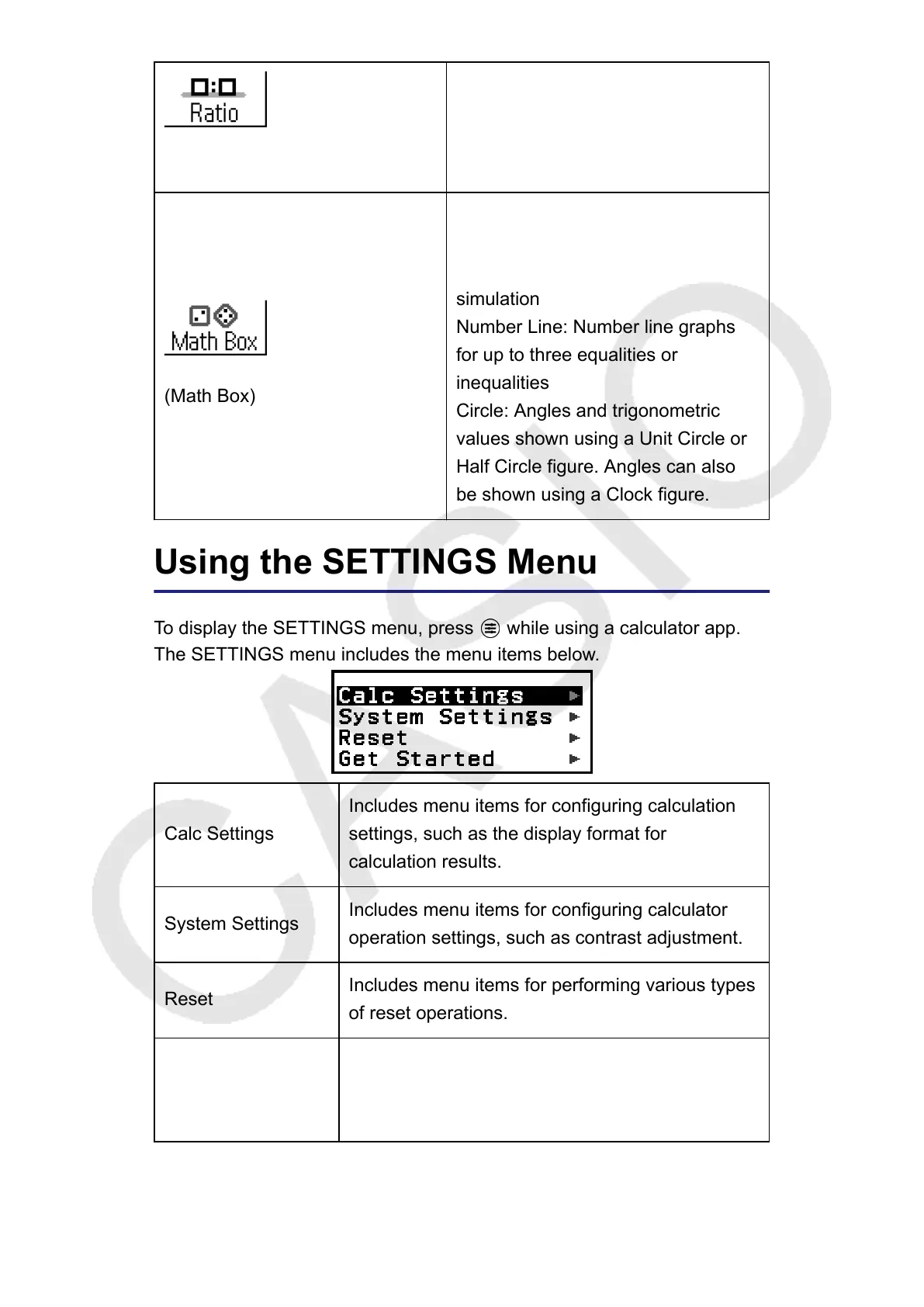
To display the SETTINGS menu, press
while using a calculator app.
The SETTINGS menu includes the menu items below.
Calc Settings
Includes menu items for configuring calculation
settings, such as the display format for
calculation results.
System Settings
Includes menu items for configuring calculator
operation settings, such as contrast adjustment.
Reset
Includes menu items for performing various types
of reset operations.
Get Started
Displays the Get Started screen. For more
information, see "Calculator "Get Started"
Screen" (page 7).
18



 To Next Page