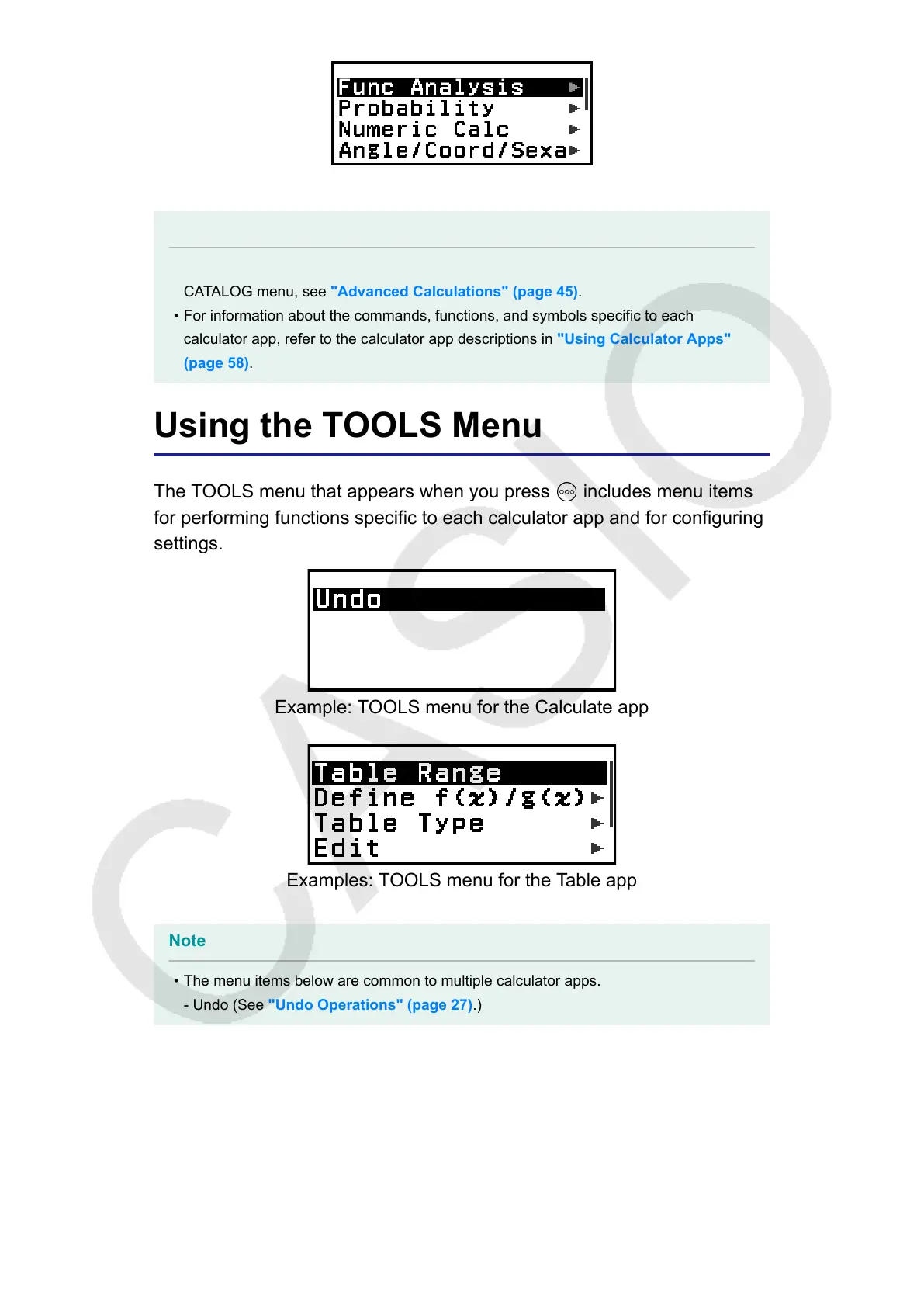
Example: CATALOG menu of the Calculate app
Note
• For information about how to input commands, functions, and symbols from the
CATALOG menu, see "Advanced Calculations" (page 45).
• For information about the commands, functions, and symbols specific to each
calculator app, refer to the calculator app descriptions in "Using Calculator Apps"
(page 58).
Using the TOOLS Menu
The TOOLS menu that appears when you press
includes menu items
for performing functions specific to each calculator app and for configuring
settings.
Example: TOOLS menu for the Calculate app
Examples: TOOLS menu for the Table app
Note
• The menu items below are common to multiple calculator apps.
- Undo (See "Undo Operations" (page 27).)
24



 To Next Page