EasyManua.ls Logo

Casio FD-1 - Page 20

Casio FD-1
30 pages
Print Icon
To Next Page IconTo Next Page
To Previous Page IconTo Previous Page
Loading...
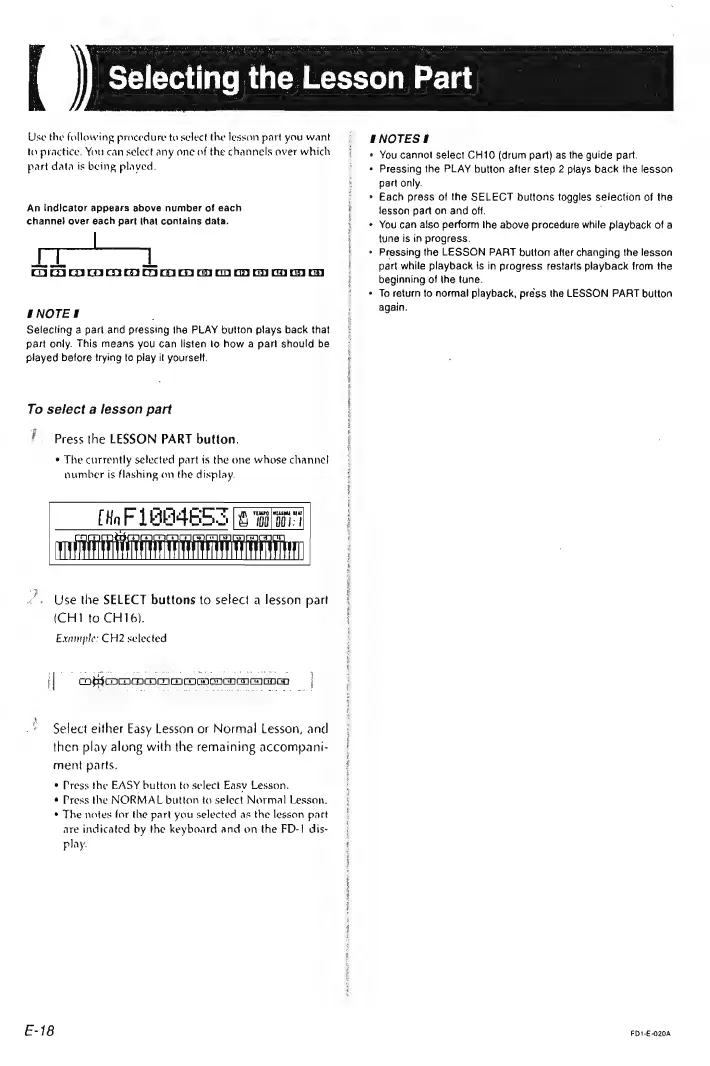
Use
the
following
procedure
to
select
the
lesson
part
you
want
ta
practice.
You
can
select
any
one
of
the
channels
over
which
part
data
is
being
played.
An
indicator
appears
above
number
of
each
channe}
over
each
part
(hat
contains
data.
ie
neeeea
DOI
OOM
OO
oo
os oo
ENOTES
;
Selecting
a
part
and
pressing
ihe
PLAY
button
plays
back
that
part
only.
This
means
you
can
listen
to
how
a
pant
should
be
played
before
trying
to
play
it
yourself.
To
select
a
lesson
part
Press
the
LESSON
PART
button.
¢
The
currently
selected
part
is
the
one
whose
channe!
number
is
flashing
on
the
display.
TISUEEESENE
SS
NESTE
Use
the
SELECT
buttons
to
select
a
lesson
part
(CH1
to
CH16).
Example:
CH2
selected
|
OyOOoOOoOmoOemaacooo
|
Select
either
Easy
Lesson
or
Normal
Lesson,
and
then
play
along
with
the
remaining
accompani-
ment
parts.
*
Press
the
EASY
button
to
select
Easy
Lesson.
¢
Press
the
NORMAL
button
to
select
Normal
Lesson.
*
The
notes
for
the
part
you
selected
as
the
lesson
part
are
indicated
by
the
keyboard
and
on
the
FD-}
dis-
play.
E-18
INOTES!
«
You
cannot
select
CH10
(drum
part)
as
the
guide
part.
«
Pressing
the
PLAY
button
alter
step
2
plays
back
the
lesson
part
only.
*
Each
press
of
the
SELECT
buttons
toggles
selection
of
the
lesson
part
on
and
off.
¢
You
can
also
perform
the
above
procedure
while
playback
of
a
tune
is
in
progress.
Pressing
the
LESSON
PART
button
after
changing
the
lesson
part
while
playback
js
in
progress
restarts
playback
from
the
beginning
of
the
tune.
To
return
to
normal
playback,
press
the
LESSON
PART
button
again.
FD1-E-020A