E-47
^
(Output Command)
Syntax {statement}
^
{statement}
Function Pauses program execution and displays the result of the current execution.
The
Q
symbol is turned on while program execution is paused by this
command.
Example ?
→
A : A
2
^
Ans
2
A
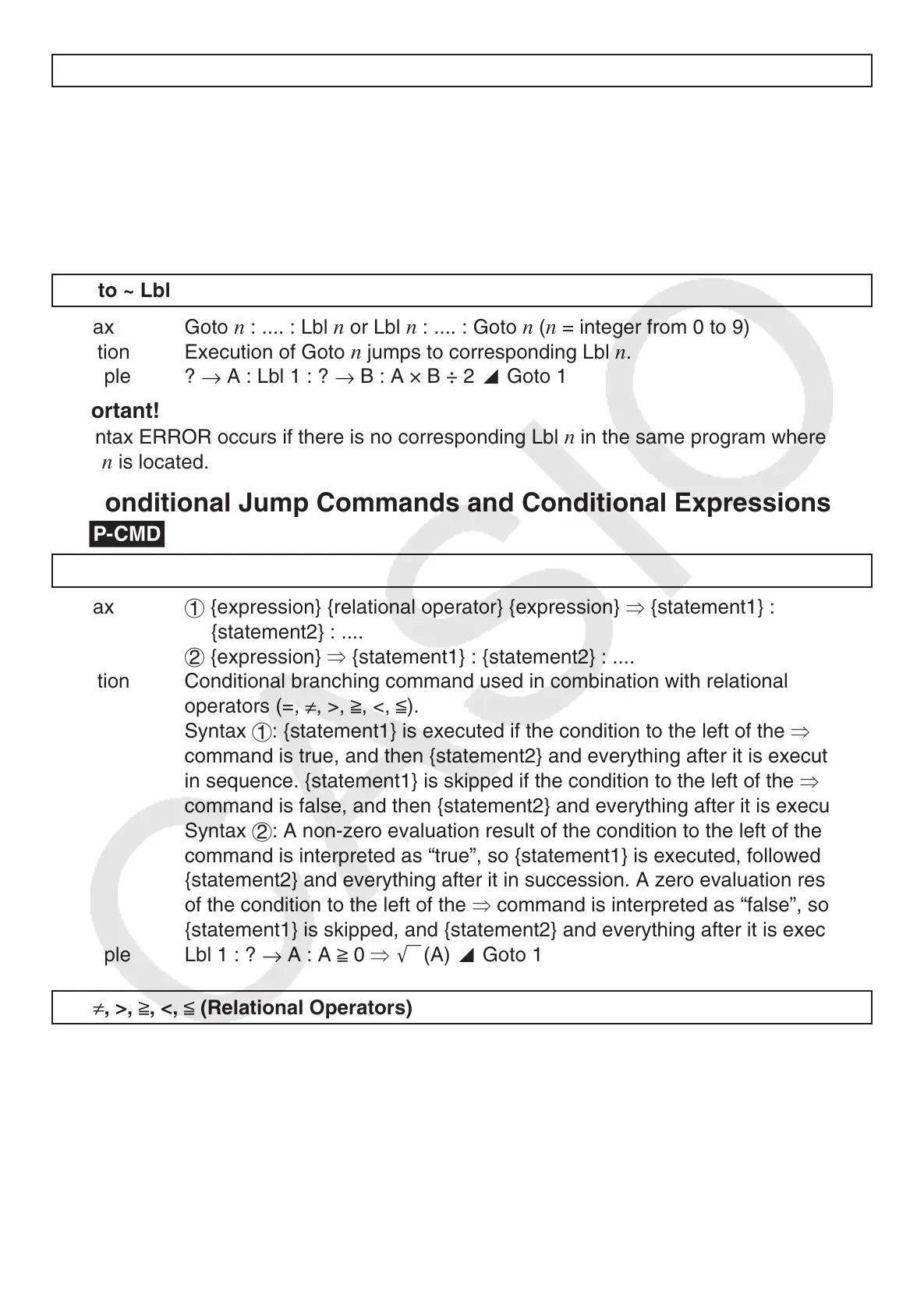
Unconditional Jump Command
g
Goto ~ Lbl
Syntax Goto
n
: .... : Lbl
n
or Lbl
n
: .... : Goto
n
(
n
= integer from 0 to 9)
Function Execution of Goto
n
jumps to corresponding Lbl
n
.
Example ?
→
A : Lbl 1 : ?
→
B : A × B ÷ 2
^
Goto 1
Important!
A Syntax ERROR occurs if there is no corresponding Lbl
n
in the same program where
Goto
n
is located.
A
Conditional Jump Commands and Conditional Expressions
g
S
Syntax
1
{expression} {relational operator} {expression}
S
{statement1} :
{statement2} : ....
2
{expression}
S
{statement1} : {statement2} : ....
Function Conditional branching command used in combination with relational
operators (=,
≠
, >,
>
, <,
<
).
Syntax
1
: {statement1} is executed if the condition to the left of the
S
command is true, and then {statement2} and everything after it is executed
in sequence. {statement1} is skipped if the condition to the left of the
S
command is false, and then {statement2} and everything after it is executed.
Syntax
2
: A non-zero evaluation result of the condition to the left of the
S
command is interpreted as “true”, so {statement1} is executed, followed by
{statement2} and everything after it in succession. A zero evaluation result
of the condition to the left of the
S
command is interpreted as “false”, so
{statement1} is skipped, and {statement2} and everything after it is executed.
Example Lbl 1 : ?
→
A : A
>
0
S
'
(A)
^
Goto 1
=,
≠
, >,
>
, <,
<
(Relational Operators)
Syntax {expression} {relational operator} {expression}
Function These commands evaluate the expressions on either side, and return a value
of true (1) or false (0). These commands are used in combination with the
branching command
S
, and when structuring the {conditional expression} of
If statements and While statements.
Example See the entries for
S
(page 47), If statement (page 48), and While statement
(page 49).



 To Next Page
 Loading...