EasyManua.ls Logo

Casio IT-G400 Series - Device Handling and Modification Warnings; Interference and Environmental Precautions

Casio IT-G400 Series
34 pages
Print Icon
To Next Page IconTo Next Page
To Previous Page IconTo Previous Page
Loading...
4
1.3 Structure of the development kit
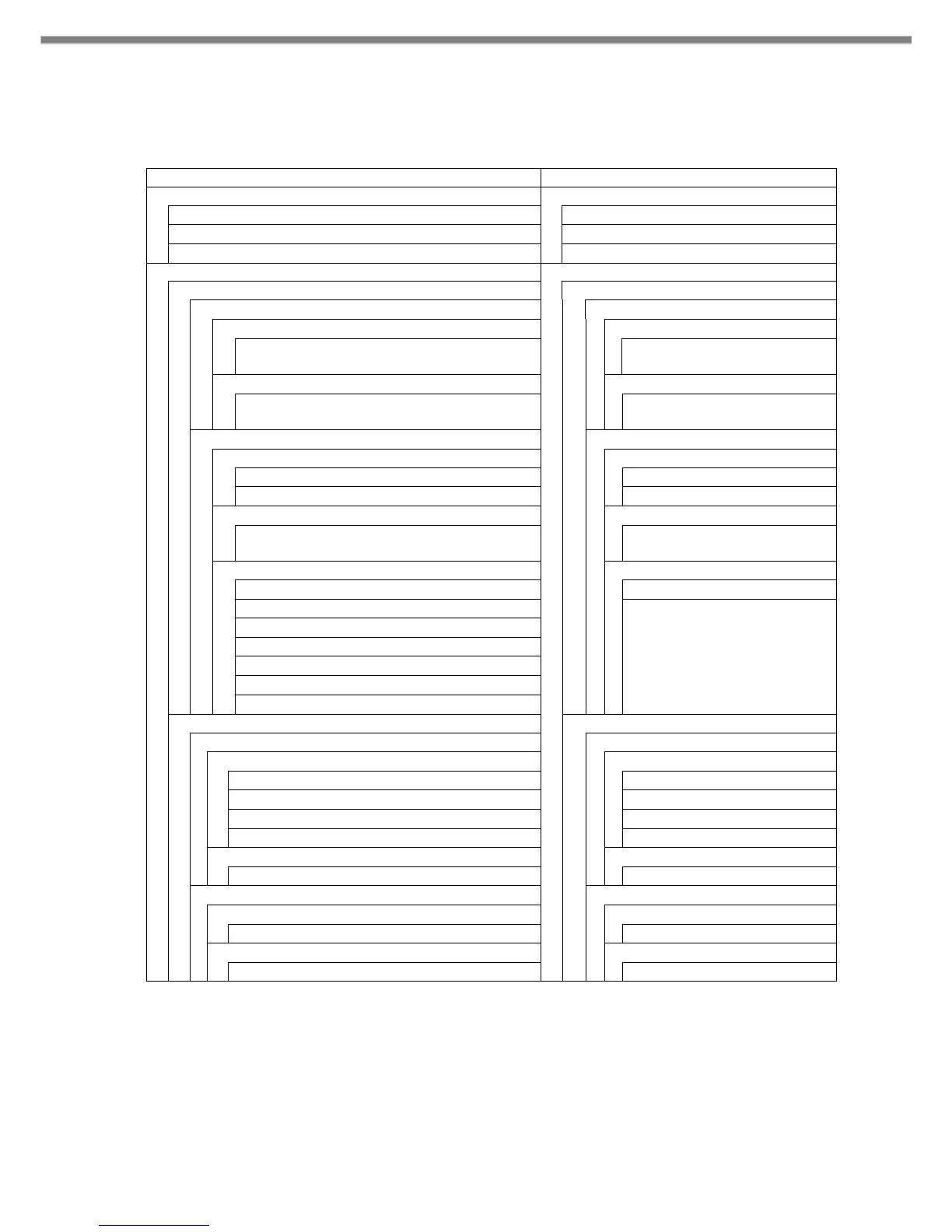
The following figure shows the structure of this kit.
QuickStartGuide.pdf
Read this document first.
/MANUAL
/This folder contains manuals.
QuickStartGuide.pdf
Quick start guide
SoftwareManual.pdf
Software manual
DeviceLibraryManual.pdf
Device library manual
/SOFTWARE
/BDK
/Basic development kit
/CasioAndroidAddons
/Casio Addons for android
/bin
/Programs folder
CASIOAndroidAddons0100010005.apk
CasioAndroidAddons
(binary)
/manual
/Manuals folder
CasioAndroidAdons.pdf
Casio Android Addons
manual
/DeviceLibrary
/Device Librarys folder
/javadoc
/javadocs folder
index.html
javadoc index file
etc.
Other files.
/bin
/Programs folder
DeviceLibrary.aar
Device Library file
(binary)
/samples
/Sample filess folder
KeyLibrarySample.zip
KeyLibrary samples
SymbolScan.zip
ScannerLibrary samples
RangeScan.zip
InverseScan.zip
CenteringWindowScan.zip
TriggerScan.zip
ImageCapture.zip
/TOOLS
/Tools folder
/KittingTool
/KittingTool folder
/bin
/Programs folder
KitSettings0100010008.apk
Backup/Restore settings
KitDevice0100080008.apk
for Device setting
KitApp0100010001.apk
for Application setting
KitData.xls
Kitting scenario file
/manual
/Manual’s folder
KittingToolManual.pdf
KittingTool manual
/OSUpdateService
/OSUpdateService folder
/bin
/Programs folder
OSUpdateService0100000000.apk
OS Update Service
/samples
/Sample filess folder
OSUpdateSample.zip
OS Update Sample

Other manuals for Casio IT-G400 Series

Related product manuals