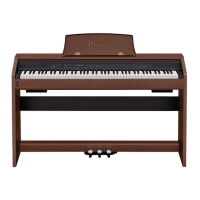
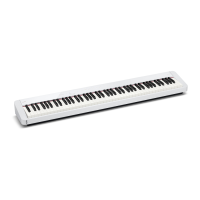
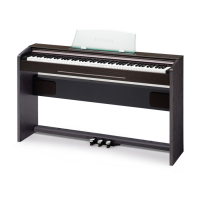
PX-150
– 19 –
E. Remove the PCB UNIT/POWER & AMP
E-1. Disconnect one connector from the MDA1 PCB.
E-2. Disconnect one connector.
E-3. Undo six screws and then remove the PCB UNIT/POWER & AMP.
PCB UNIT/POWER & AMP MDA1 PCB
Connector
Connector
F. Remove the PCB UNIT/HPA1
F-1. Disconnect one connector from the PSA1 PCB.
F-2. Undo three screws and then remove the PCB UNIT/HPA1.
PCB UNIT/HPA1
PSA1 PCB
Connector



 To Next Page