— 34 —
6. To open / close the upper case
CAUTION : Make sure that the hard disk drive is complete stop before open tha upper case.
Otherwise, the HDD might be defect.
Leave the machine about 40 seconds after power turned off.
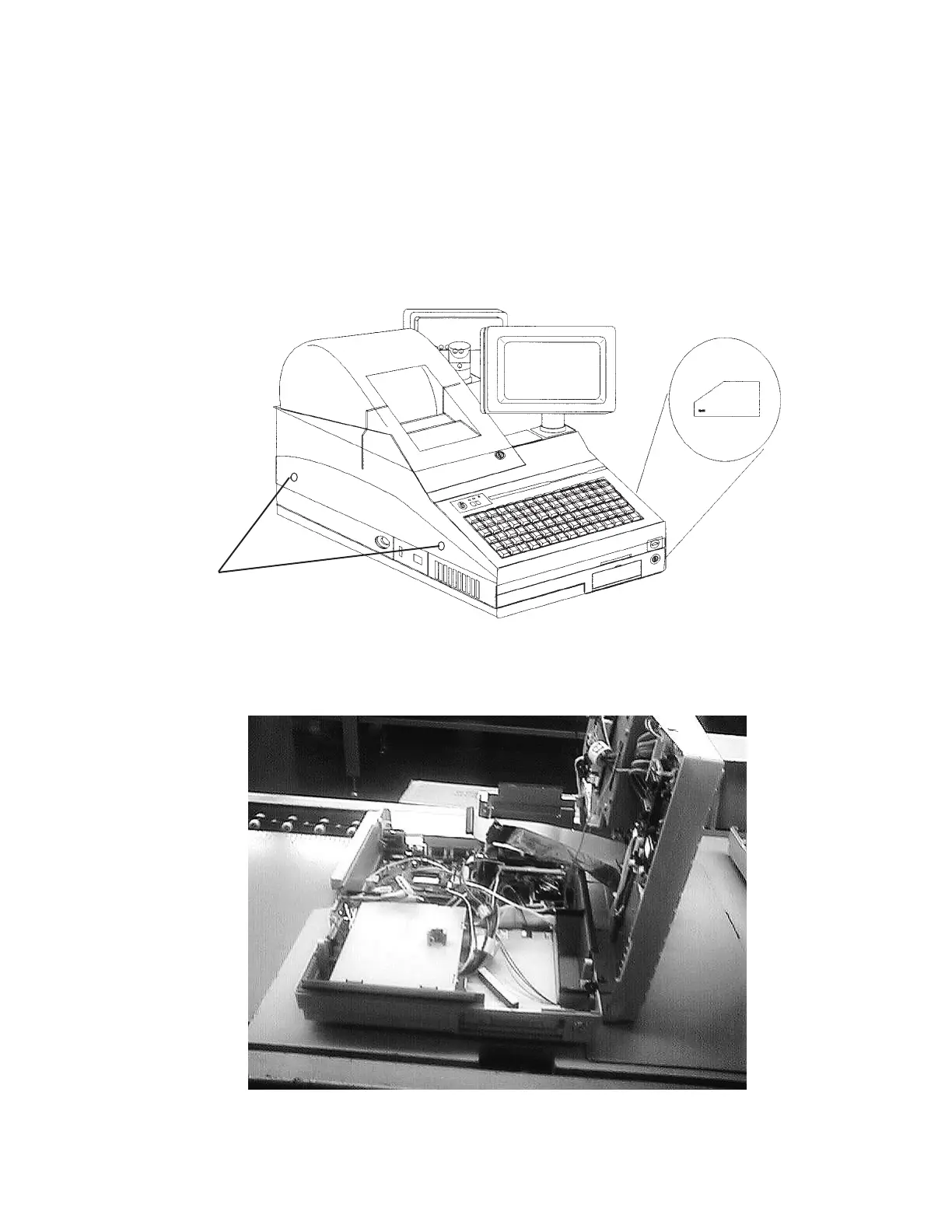
1. Release the 4 pcs of screws and lift up the upper case as following figure.
Release these screws.
Also, release oposit side.
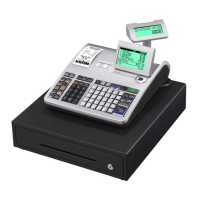
Open the upper case like this figure.


 To Next Page