Sounding Arpeggios Automatically
E-43
8.
Use the
bp
dial or the
br
minus (–) and plus (+) buttons to change the parameter settings.
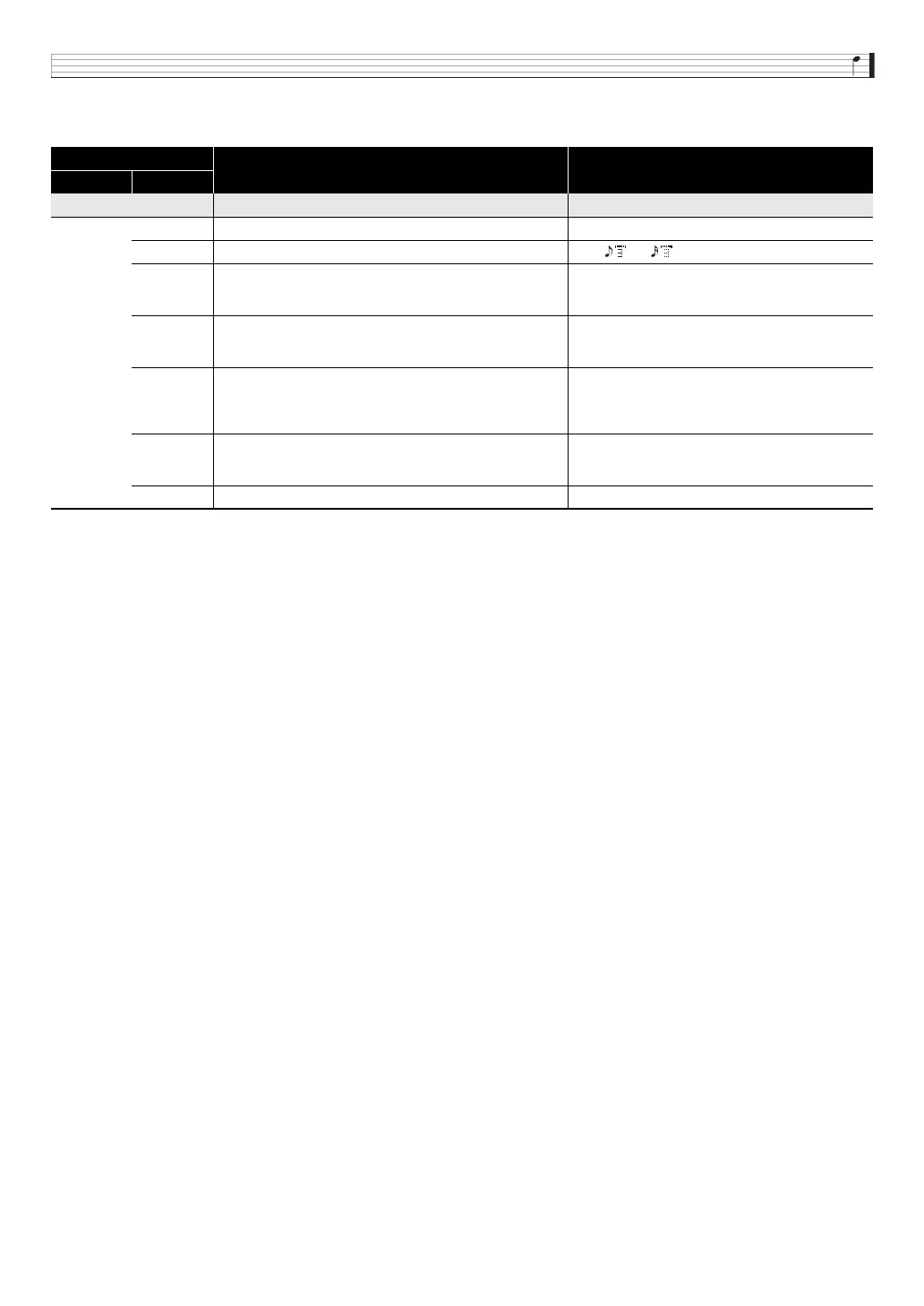
• The table below shows the contents of the parameter editing menu.
9.
After you finish arpeggio parameter editing, save it as described below.
•Press
7
WRITE to display the screen for saving arpeggio data. Save the arpeggio by performing the same operation as
that for saving a user tone (page E-12).
• For information about deleting data you saved, see page E-83.
■ Saving Arpeggio Data on an External Device
• Memory card (page E-86)
• Computer (page E-92)
Menu Layer
Description Settings
1 2
Parameter >Ent
Max Step Maximum step. Can be edited only by step type. 1 to 16
Step Size Step size. Specifies the note length between steps. 2, 6,, 7,, 8
NoteLngth
Note length. Specifies the length of the note that is sounded as
a percentage of the step size. (100% for the same length as
the original, 50% for half the original.)
1 to 100%
Groove
Groove. Specifies the timing of the up beat step. (50% for
even. Larger values increase the length of the first half of the
note.)
10 to 90%
Grv.Type
Groove type. Specifies the note length when the Groove
setting is anything besides 50%.
Norml: Plays back at the actual percentage of the
step length.
Short: Adjusts to a short step in accordance with the
step.
Velocity
Velocity. Specifies the velocity of an input arpeggio. Specifying
KeyOn inputs a velocity value in accordance with the degree
of key pressure applied.
KeyOn, 1 to 127
Hold Pedal Hold pedal. Specifies on/off switching for hold used by a pedal. On, Off


 To Next Page