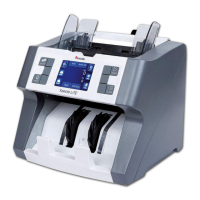
Cassida 5520 Digital Currency Counter
7
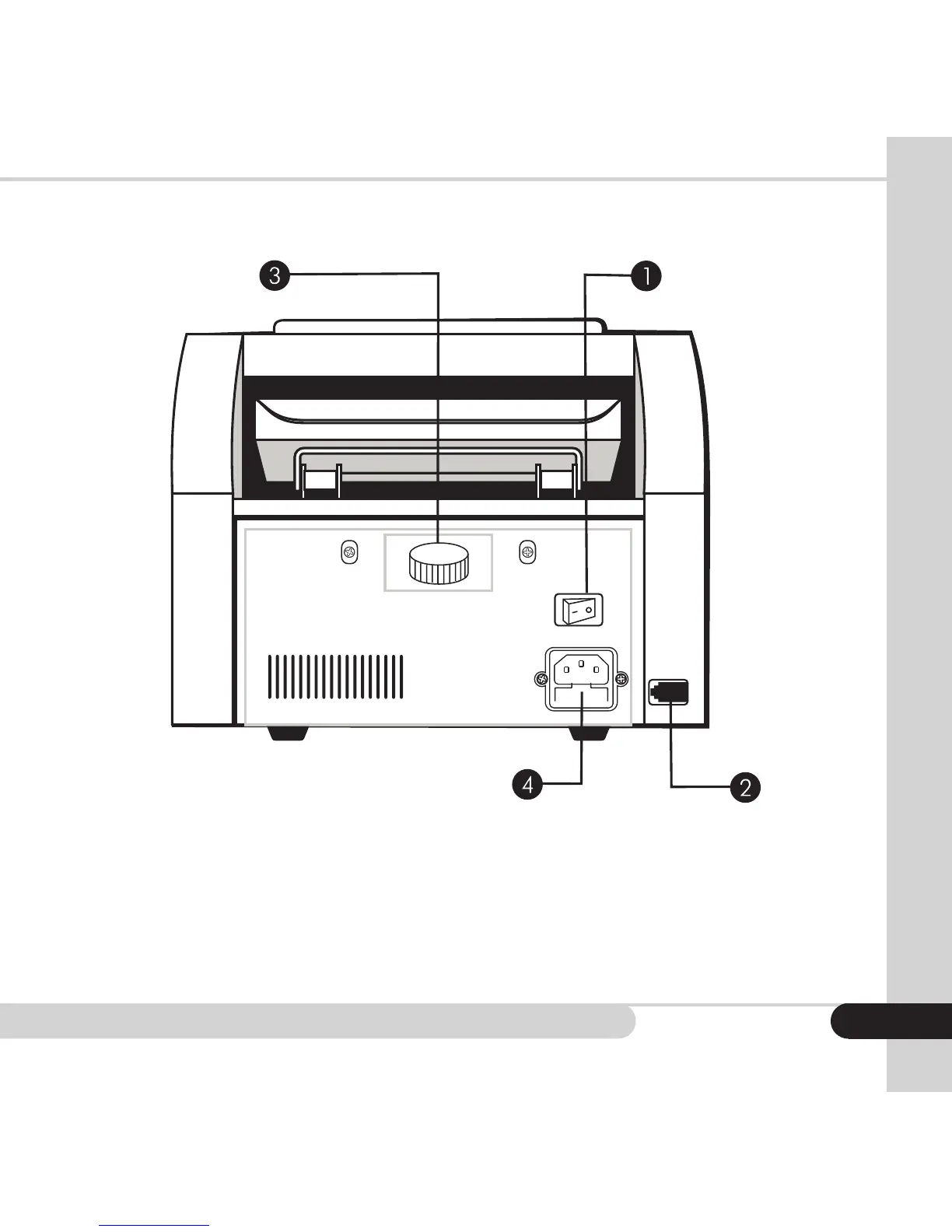
Rear view
1. Power switch - turns the power on and off
2. Port - optional remote display connection port
3. Feeding gap adjustment screw
- adjusts for different bill thicknesses (narrow for brand
new ones - wide for worn out ones) Note: Please do
not adjust unless the machine displays recurrent DBL
or Chn error messages.
4. Power outlet & fuse - to connect the power cord



 To Next Page