
 To Next Page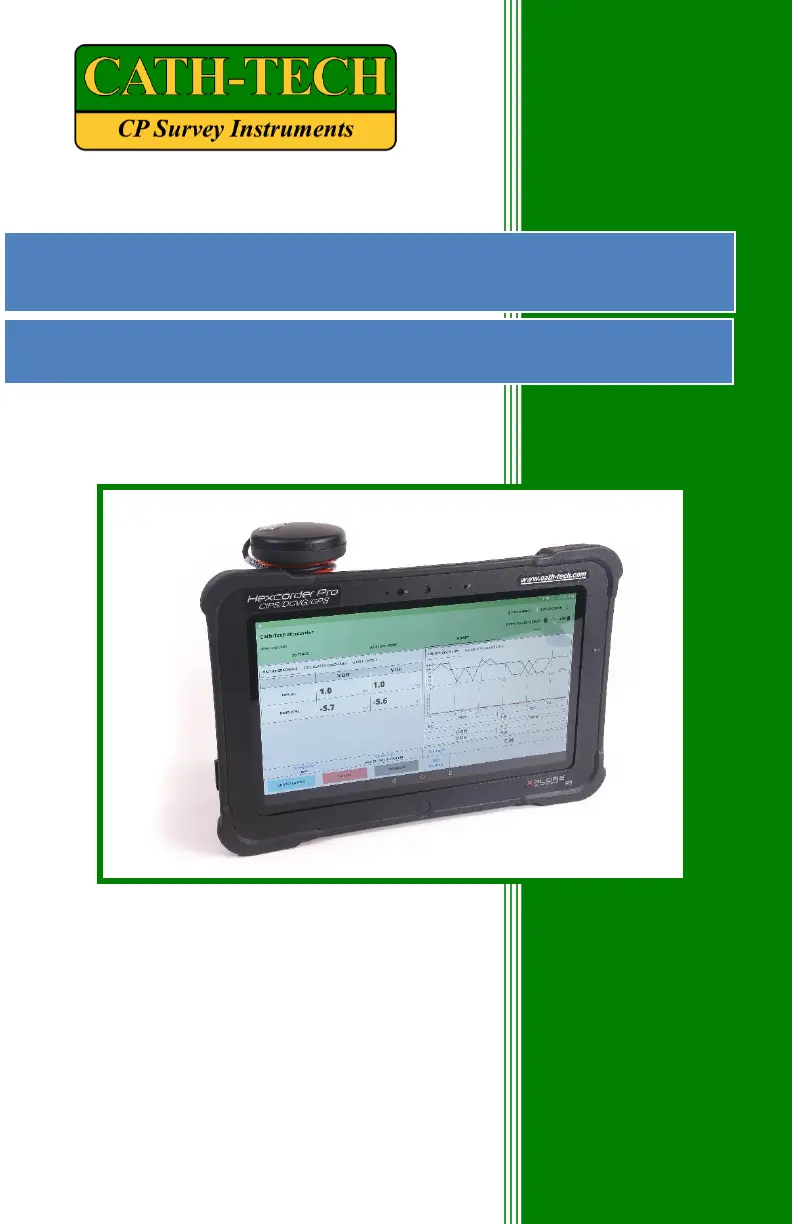
S
Samuel LeeSep 3, 2025
What to do if my CATH-TECH Measuring Instruments Hexcorder Pro won’t turn on?
- MMichael JimenezSep 3, 2025
If the Hexcorder Pro won’t turn on, the battery might be dead. Plug it in using the AC power adapter.

What to do if my CATH-TECH Measuring Instruments Hexcorder Pro won’t turn on?
If the Hexcorder Pro won’t turn on, the battery might be dead. Plug it in using the AC power adapter.
How to resolve scattered readings on CATH-TECH Hexcorder Pro?
If readings are very scattered: * Consider soil conditions; if dry, place half cells on green weeds for better contact. * Check the calibration of half cells. * Recalibrate half cell offsets.
Why is the chainage not increasing on my CATH-TECH Hexcorder Pro Measuring Instruments?
If the chainage isn’t increasing, the survey wire or the wire dispenser cable might be broken.
How to fix CATH-TECH Measuring Instruments unit that won’t take readings?
If the unit won’t take readings: * Switch half cell poles (bad switch) * Switch half cell cables (broken cable) * Check for manual survey mode
What to do if the CATH-TECH Measuring Instruments tablet won’t turn on?
If the tablet won’t turn on, plug it in using the tablet AC power adapter. If the power LED lights up but there is no screen display, the screen might be broken.
What to do if CATH-TECH Measuring Instruments GPS won’t lock?
If the GPS won’t lock, ensure a good view of the sky, free from trees and buildings. Also, check that the GPS is plugged in correctly.
How to fix a CATH-TECH Hexcorder Pro Measuring Instruments unit that reads very low ON/OFF values?
To address very low ON/OFF values, check all connections, including: * Half cell pole cables * Wire dispenser cable * Wire spool to wire dispenser * Survey wire to test post * Ensure caps are removed from half cells * Verify distilled water is in half cells
What to do if the CATH-TECH Hexcorder Pro unit won’t respond when in survey mode?
If the unit won’t respond when in survey mode, power cycle the Hexcorder Pro and reconnect to the tablet.
Provides instructions and notes on charging the Hexcorder Pro and tablet batteries.
Explains the function, accuracy, and connection of the GPS engine.
Describes the screen for configuring survey options like operator, survey type, and units.
Covers survey types, sync, units, trigger, start, and direction configurations.
Describes the three alarm features (Low Potential, Broken Wire, DCVG Defect).
Details time zone, cycle time, off time, on/off first, and delay time configurations.
Explains the five configurable "widgets" for the survey screen layout.
Details the setup and procedure for conducting a CIPS survey.
Explains the measurement principles and procedures for DCVG and ACVG surveys.
Discusses combining CIPS and DCVG surveys for comprehensive data.
 General
| Brand | CATH-TECH |
|---|---|
| Model | Hexcorder Pro |
| Category | Measuring Instruments |
| Language | English |