9
7.3 Unpacking the System
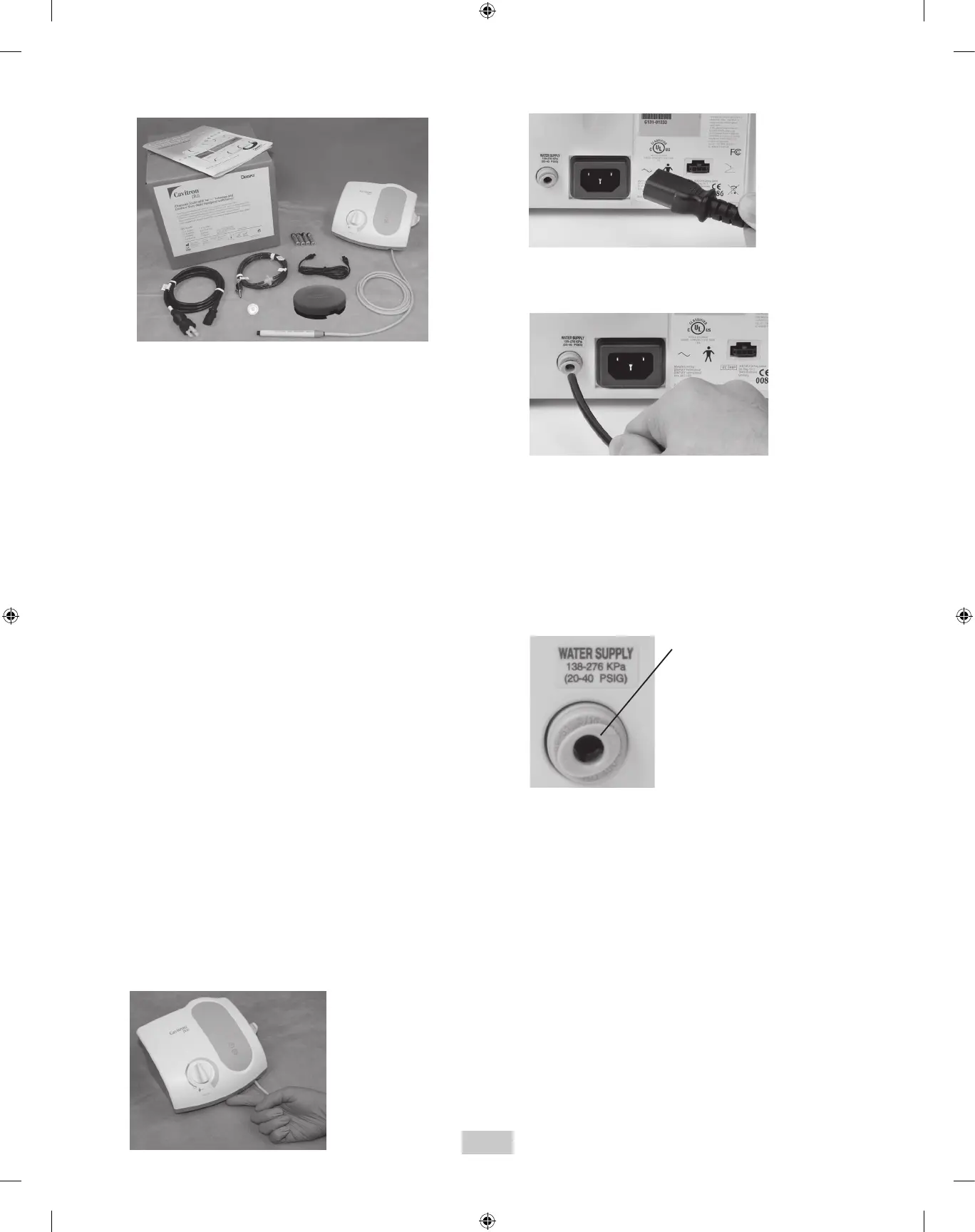
Carefully unpack your Cavitron Plus Ultrasonic Scaler and
verify that all components and accessories are included:
1. Cavitron
®
Plus
™
System with Handpiece Cable
Assembly with swivel
2. Water Line Assembly (Blue) with Filter and Quick
Disconnect
3. Additional Water Line Filter
4. Detachable AC Power Cord
5. Cavitron
®
Tap-On
TM
Wireless Foot Pedal
6. “AA” Batteries (4-Pack)
7. Auxiliary Cable for Tap-On
TM
Foot Pedal
8. Steri-Mate
®
Grip (not shown)
9. Steri-Mate
®
Detachable Sterilizable Handpiece
10. Cavitron
®
Ultrasonic Inserts (quantity optional)
11. Efficiency Indicator for Cavitron Inserts
12. Literature Packet
7.4 System Installation
• The Cavitron Plus System is designed to rest on a level
surface. Be sure unit is stable and resting on four feet.
• The Cavitron Plus System should not be positioned such
that access to the power input and AC power cord are
limited.
• Placing unit in direct sunlight may discolor plastic
housing.
• The system has been equipped with a Tap-On
TM
Wireless
Foot Pedal which was factory synchronized to operate
with the system’s base unit. If your office has more than
one Cavitron Plus system, it is recommended that you
mark the Tap-On
TM
Foot Pedal and base unit for easy
reference as to which Tap-On
TM
Foot Pedal operates with
which base unit. Should resynchronization be necessary,
follow the instructions in section 7.10.
7.5 Power Cord Connection
• Verify the Main Power ON/OFF switch, located at the
center front underside of the System, is set to the OFF
(O) position before proceeding.
• Insert the AC power cord into the power input on the
back of the System.
• Insert the pronged plug into an AC wall outlet.
7.6 Water Supply Line Connection
• Grasp the Water Supply Line (blue hose) by the end
opposite the quick-disconnect and insert it into the water
inlet connector until fully seated.
• Connect the quick-disconnect to the dental office water
supply or a Cavitron DualSelect Dispensing System.
• Inspect all connections to make certain there are no
leaks.
• To remove the water line from the Cavitron Plus System,
turn off the dental office water supply. Disconnect the
water supply line from the dental office water supply. If
a quick-disconnect connector is attached to the end of
the hose, relieve the water pressure by pressing the tip
of the connector in an appropriate container and allow
water to drain. To remove the hose from the system,
push on the outer ring of the system’s water inlet and
gently pull out the water line.
Press ring to release
water supply tube.


 To Next Page