HOW TO OPERATE
71
-After setting the Server IP address, return to the main menu. The color of the burst on the
top left corner will turn blue signaling a successful network connection. The burst will then
turn to green when importing the song list is completed.
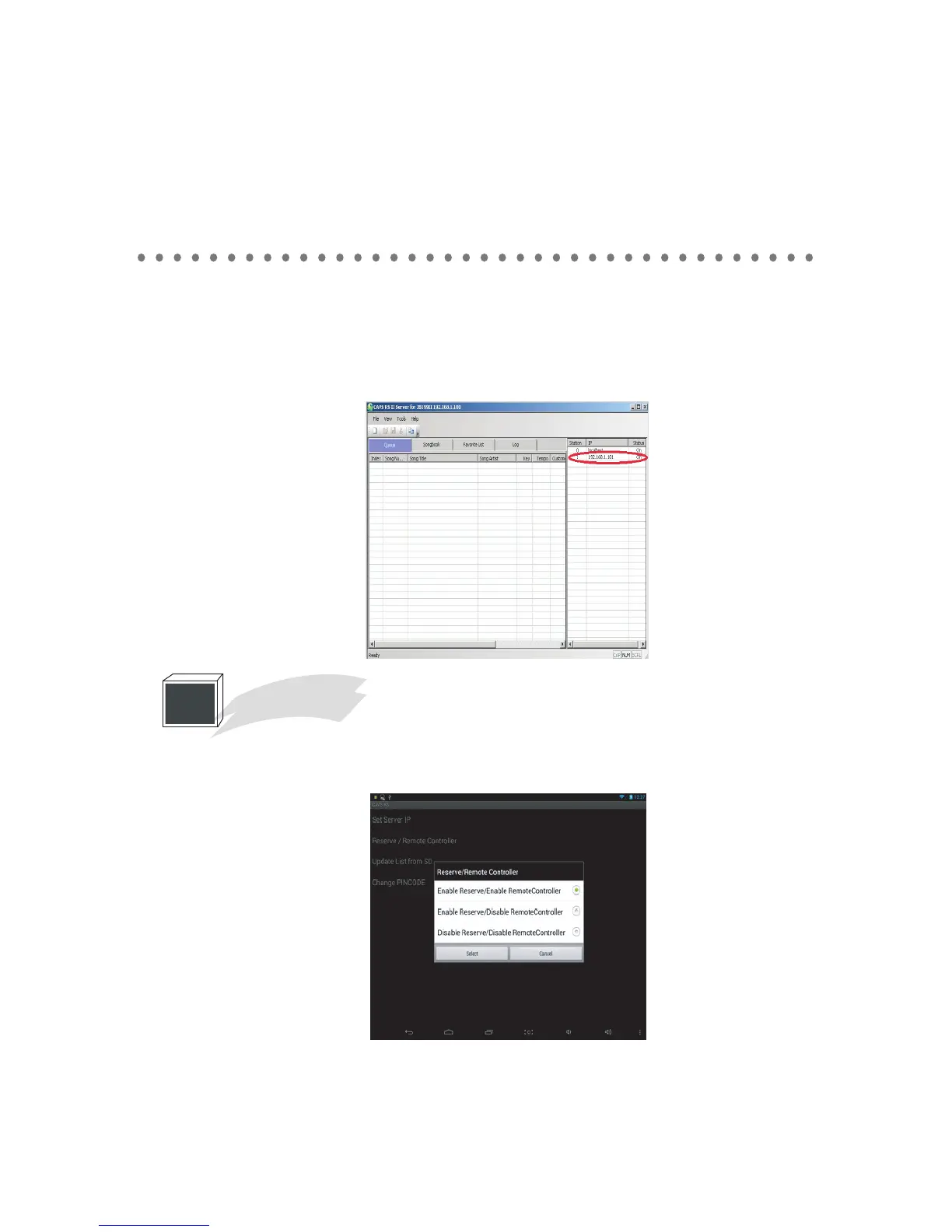
- You will see your E-songbook on CAVS RS II Server. Means your E-Songbook is connected
and ready to use.
1
Reserve / Remote Controller
In the Settings, tap on the Reserve / Remote Controller and the following pop-up will appear.
Select from the three levels of controls that can be permitted in the E-Songbook.



 To Next Page