HOW TO OPERATE
72
The choice of Enable Reserve / Enable Remote Controller is the most powerful one allowing the
user to select, reserve, play, pause, stop, next, and cancel the songs. The least powerful choice to
select Disable Reserve / Disable Remote Controller which will allow the user only to view the song
list. Note that the level of controls chosen is subject to the level of controls assigned by the CAVS
RS II Server program to all E-Songbooks.
In the Settings, tap on the Change PINCODE and a pop-up will appear. The PINCODE is for the
security of accessing the E-Songbook Settings. Change the PINCODE according to the instruction
given on the screen.
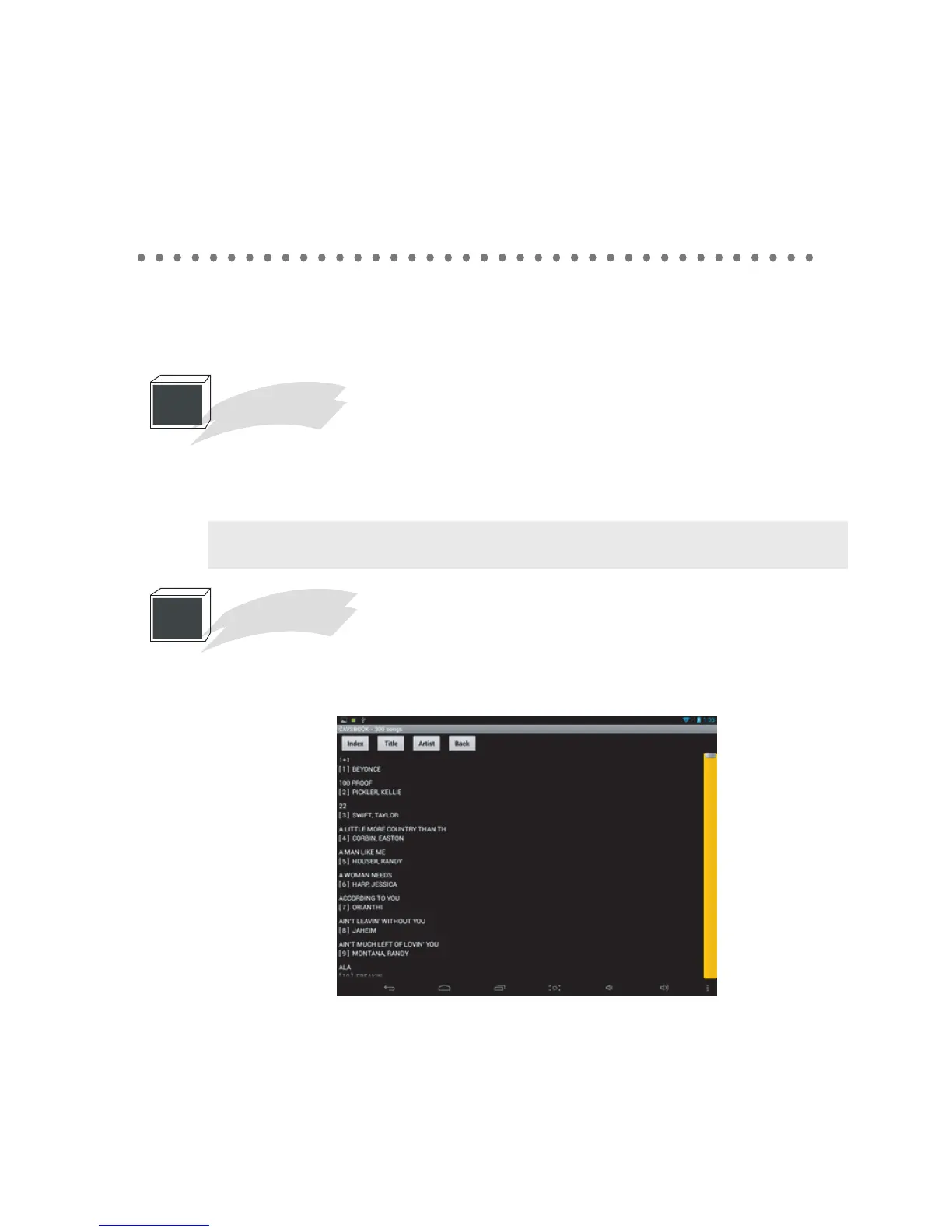
Tap on the song book, The song list, sorted in title by default, will appear. You can tap on the Index,
Title, or Artist button to re-sort. You can scroll the song list with your fingertips or use the yellow
scroll bar on the right side to move instantly to any page.
2
Change PIN Code
Note : The new PINCODE will need to be inputted when accessing the Settings from the
next time.
3
Song Book



 To Next Page