HOW TO OPERATE
73
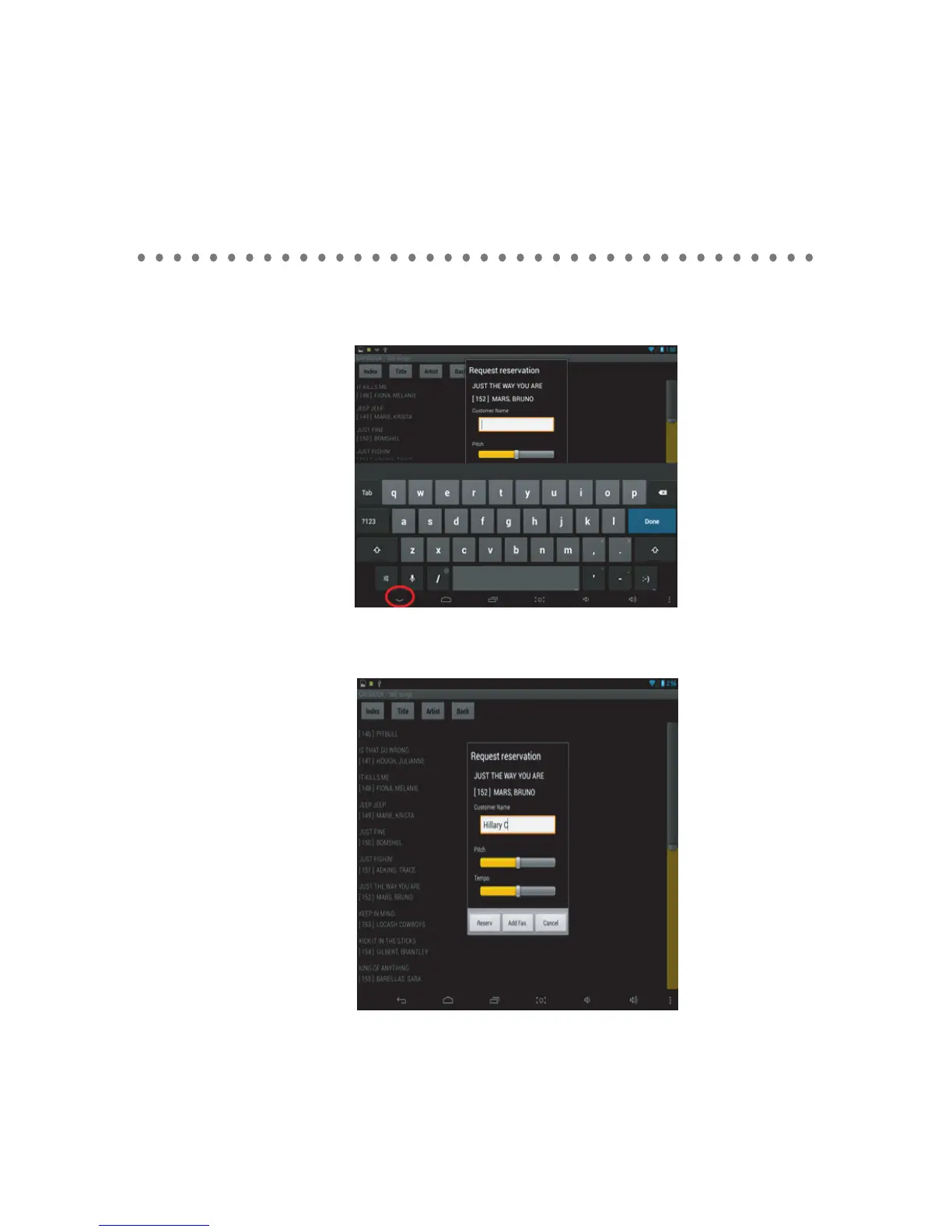
- Tab on a song and the following popup will appear. Use the on-screen keyboard to type in the
customer name, or press the down arrow button to lower the keyboard. You can also preset the
key and tempo levels of the song being reserved.
- Press the Reserve to reserve the song to the Queue. Press the Add Fav button to add the song to
your Favorite List, or press the Cancel to return.



 To Next Page