HOW TO OPERATE
78
Tap on the queue status. The list of reserved songs will appear.
- Press Load to open a favorite list. Input the customer name and press load. If the customer
name does not already exist in the Favorite lists, you will be asked to create a new Favorite
list. Press Create to make the new Favorte list.
4
Queue Status
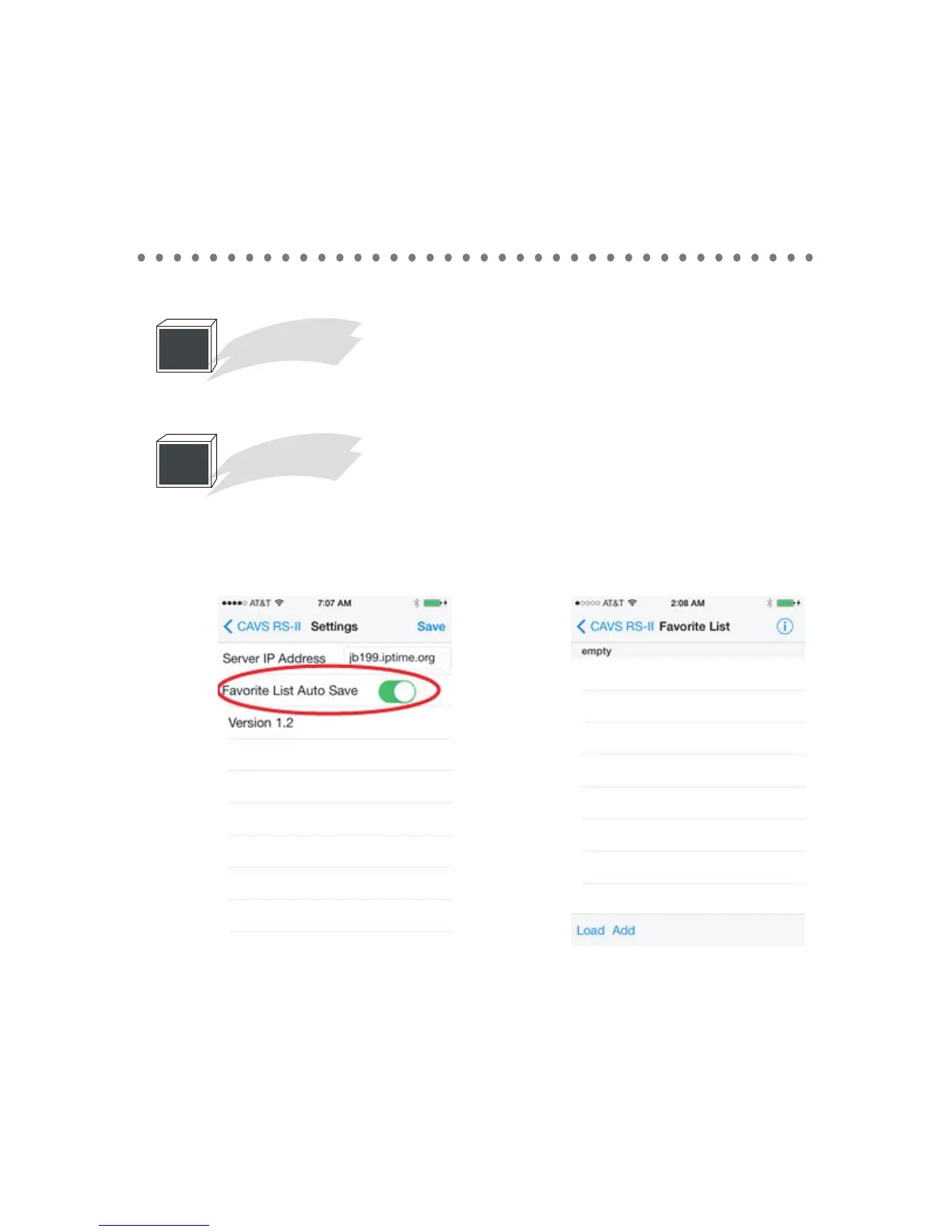
Before starting the favorite list, please note that you can enable/disable the Auto save option
in the settings. When enabled, the favorite list will save the added songs automatically. If you
wish to save only at your command, turn off the feature.
At the main menu, tap on the favorite list.
5
Favorite list



 To Next Page