HOW TO OPERATE
83
5
5
Tap on the search by title, Input field and the keyboard will appear. Type in the word or
any part of the word you wish to search. Press GO.
Song with matching title will appear. You can re-sort the list by index, Title or artist
pressing the respective buttons.
Tap on a song to reserve or add to a favorite list. You can also press and hold on a song
to add to your favorite list.
3
Search by title
5
Tap on the search by artist, Input field and the keyboard will appear. Type in the word or
any part of the word you wish to search. Press GO.
Song with matching artist will appear. You can re-sort the list by index, Title or artist
pressing the respective buttons.
Tap on a song to reserve or add to a favorite list. You can also press and hold on a song
to add to your favorite list.
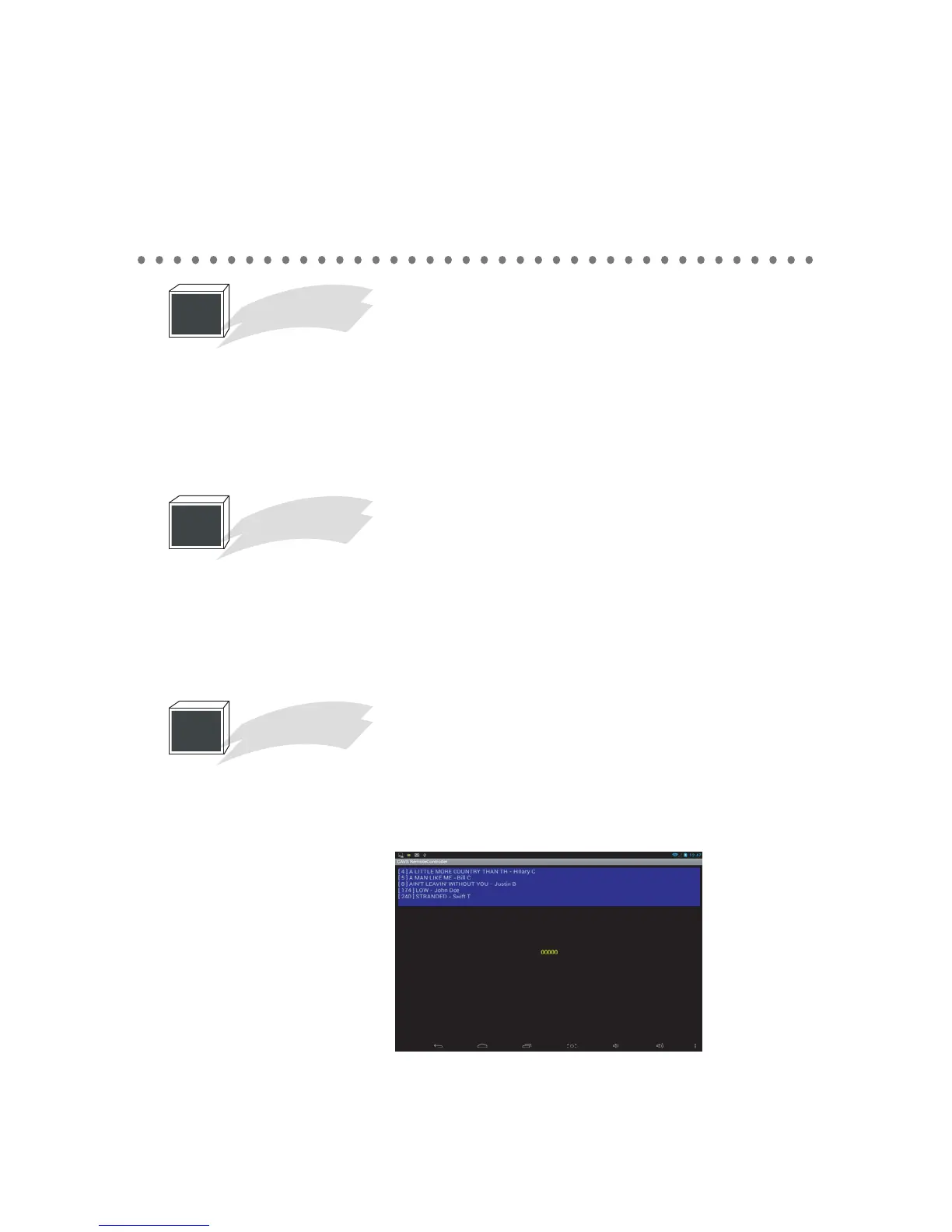
Tap on the queue status. A window will appear which will show the list of reserved songs
with their customer names.
Note that the reserved songs can begin playing automatically depending on the options set
in the CAVS karaoke players.
4
Search by Artist
5
Queue Status



 To Next Page