23
- LCD Display Functions -
Program Mode Display Windows
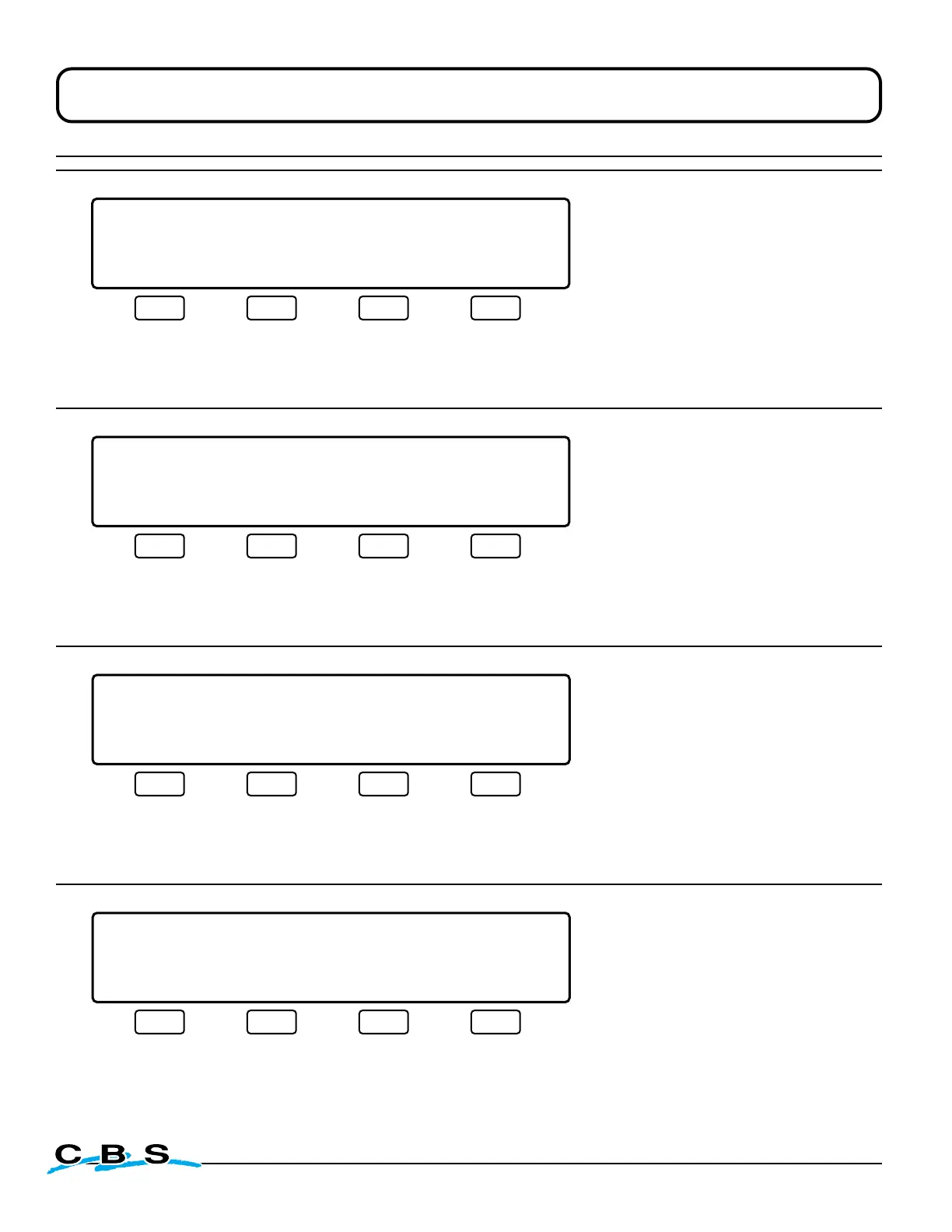
LIQUID LEVEL XX.XCM LID TEMP.-XXX C
CONTROL VALIDATION
TESTING: BYPASS VALVE
TEST PASS FAIL SKIP
#41E
o
This display will appear when
"PASS", "FAIL" or "SKIP" is
selected on display #41D.
This menu tests bypass valve.
Advances to next test when
"PASS", "FAIL" or "SKIP" is select-
ed.
Press this button to
activate Bypass
Valve for as long as
the button is held.
Press this button if
test passes, to
advance to display
#41F and next test.
(next)
Press this button if
test fails, to advance
to display #41F and
next test.
(next)
Press this button to
skip test and
advance to display
#41F and next test.
(next)
LIQUID LEVEL XX.XCM LID TEMP.-XXX C
CONTROL VALIDATION
TESTING: FILL VALVE
TEST PASS FAIL SKIP
#41F
o
This display will appear when
"PASS", "FAIL" or "SKIP" is
selected on display #41E.
This menu tests the fill valve.
Advances to next test when
"PASS", "FAIL" or "SKIP" is selected.
Press this button to
activate Fill Valve for
as long as the button
is held.
Press this button if
test passes, to
advance to display
#41G and next test.
(next)
Press this button if
test fails, to advance
to display #41G and
next test.
(next)
Press this button to
skip test and
advance to display
#41G and next test.
(next)
LIQUID LEVEL XX.XCM LID TEMP.-XXX C
CONTROL VALIDATION
LID IS NOW CLOSED
PASS FAIL SKIP
#41G
o
This display will appear when
"PASS", "FAIL" or "SKIP" is
selected on display #41F.
This menu tests the lid switch.
With lid closed, display should read
"LID IS NOW CLOSED"; with lid
open it should read "LID IS NOW
OPEN". Advances to next test
when "PASS", "FAIL" or "SKIP" is
selected.
Press this button if
test passes, to
advance to display
#41H and next test.
(next)
Press this button if
test fails, to advance
to display #41H and
next test.
(next)
Press this button to
skip test and advance
to display #41H and
next test.
(next)
LIQUID LEVEL XX.XCM LID TEMP.-XXX C
CONTROL VALIDATION
TESTING: OVERLAY BUTTONS
BEGIN SKIP
#41H
o
This display will appear when
"PASS", "FAIL" or "SKIP" is
selected on display #41G.
This menu begins the testing
of the overlay buttons. Select
"BEGIN" to proceed, or "SKIP"
to advance to final window of
the validation process.
Press this button if
test fails, to advance
to display #41H1
and begin final test.
(next on page 24)
Press this button to
skip test and
advance to display
#41I.
(page 24)


 To Next Page