EasyManua.ls Logo

CCV COR-A10 - 8 UPGRADE VIA WEBADMIN

CCV COR-A10
65 pages
Print Icon
To Next Page IconTo Next Page
To Previous Page IconTo Previous Page
Loading...
CCV Motion
Installation Manual
V1.1
CID181/12052022
CCV Netherlands
11 / 65
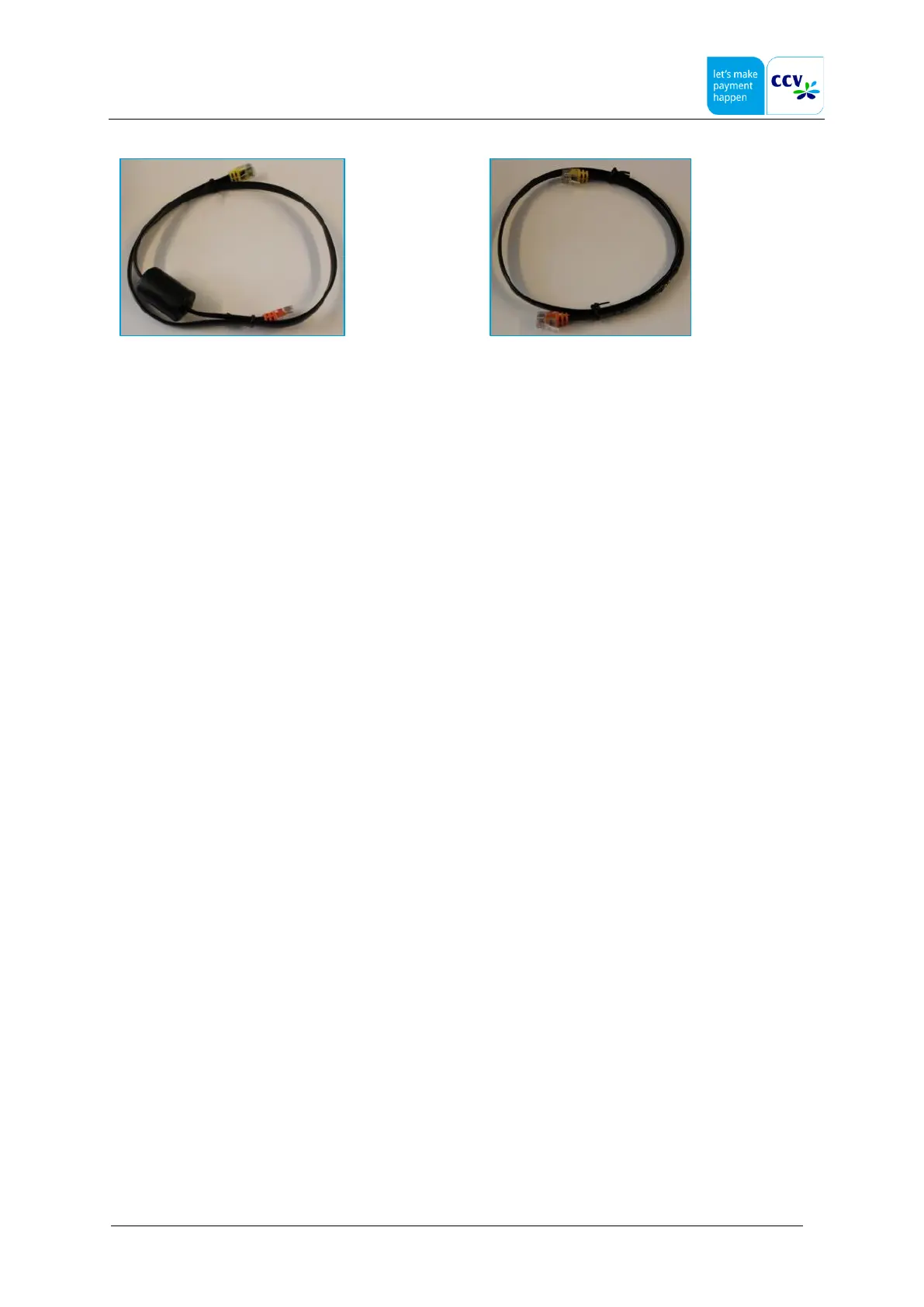
RJ45 8/8 cable (with ferrite core) between COR-A10 and
OPP/OPM
RJ45 8/8 cable between SCR-B50 and OPP/OPM
RJ45 8/8 cable between COR-A10 and OPP/OPM:
connect the orange connector to the COR-A10;
connect the yellow connector to the COM port of the OPP/OPM.
RJ45 8/8 cable between SCR-B50 and OPP/OPM:
connect the orange connector to the SCR port of the OPP/OPM;
connect the yellow connector to the OPP port of the SCR-B50.

Other manuals for CCV COR-A10

Related product manuals