After this the terminal will provide new functionality. The terminal can be found (discovered) using the standard Windows-
explorer, e.g. this screenshot:
Just double-click on the terminal and the internal web-page will be started (using Chrome).
There is no need for additional tooling to be installed, everything you need, runs inside the terminal.
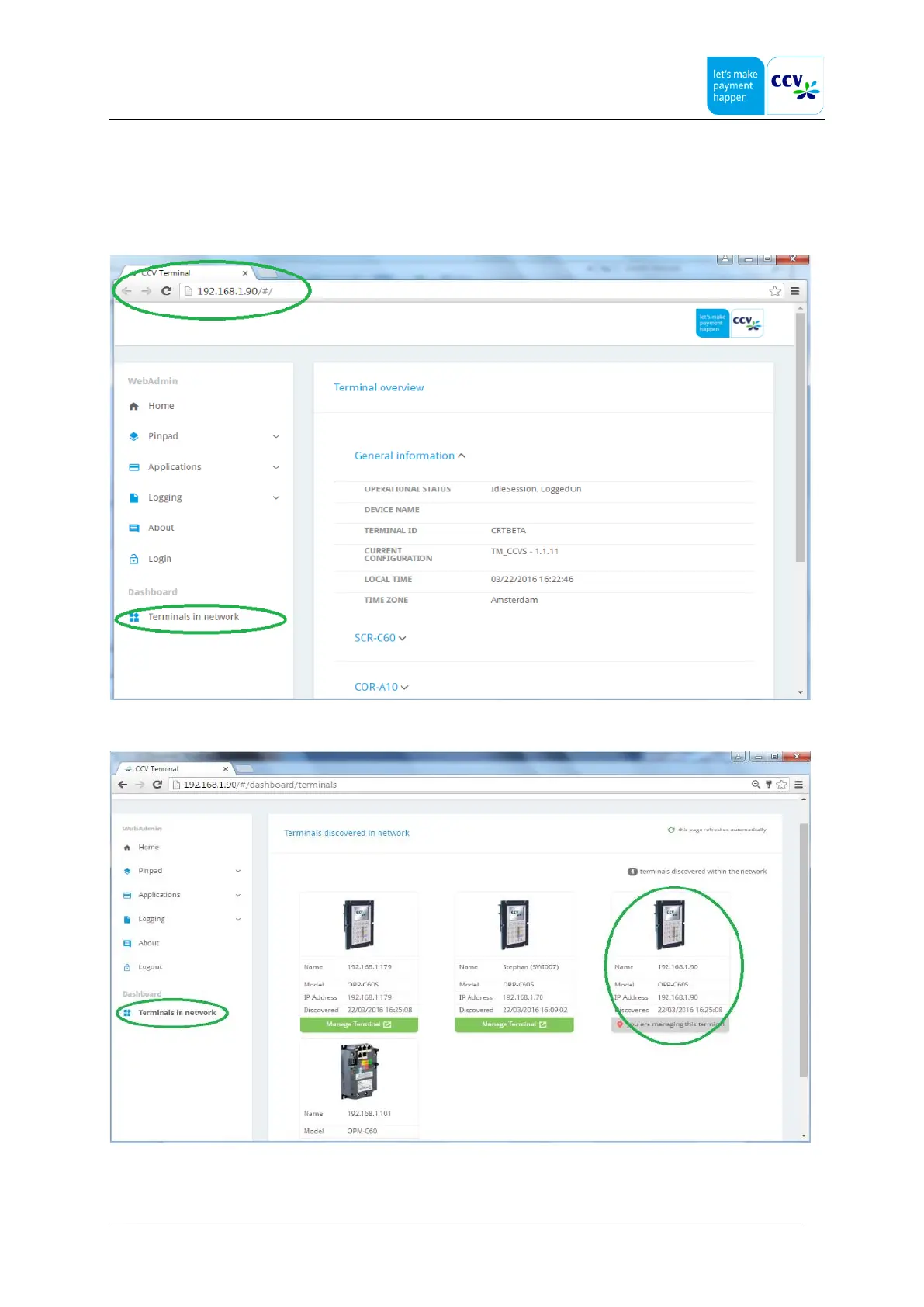
All functions that were previously available in the AdminClient tool are now available in the shown webpage, see this
example.
Due to the fact that the terminals are discoverable (using a standard protocol), there is also an option to show all terminals
in the same network.
This can be started by pressing on "Terminals in network", see this:
The terminal that is currently showing the web-page is also shown (see circle). The color of the bar can be
green/red/orange depending the state of the terminal.



 To Next Page