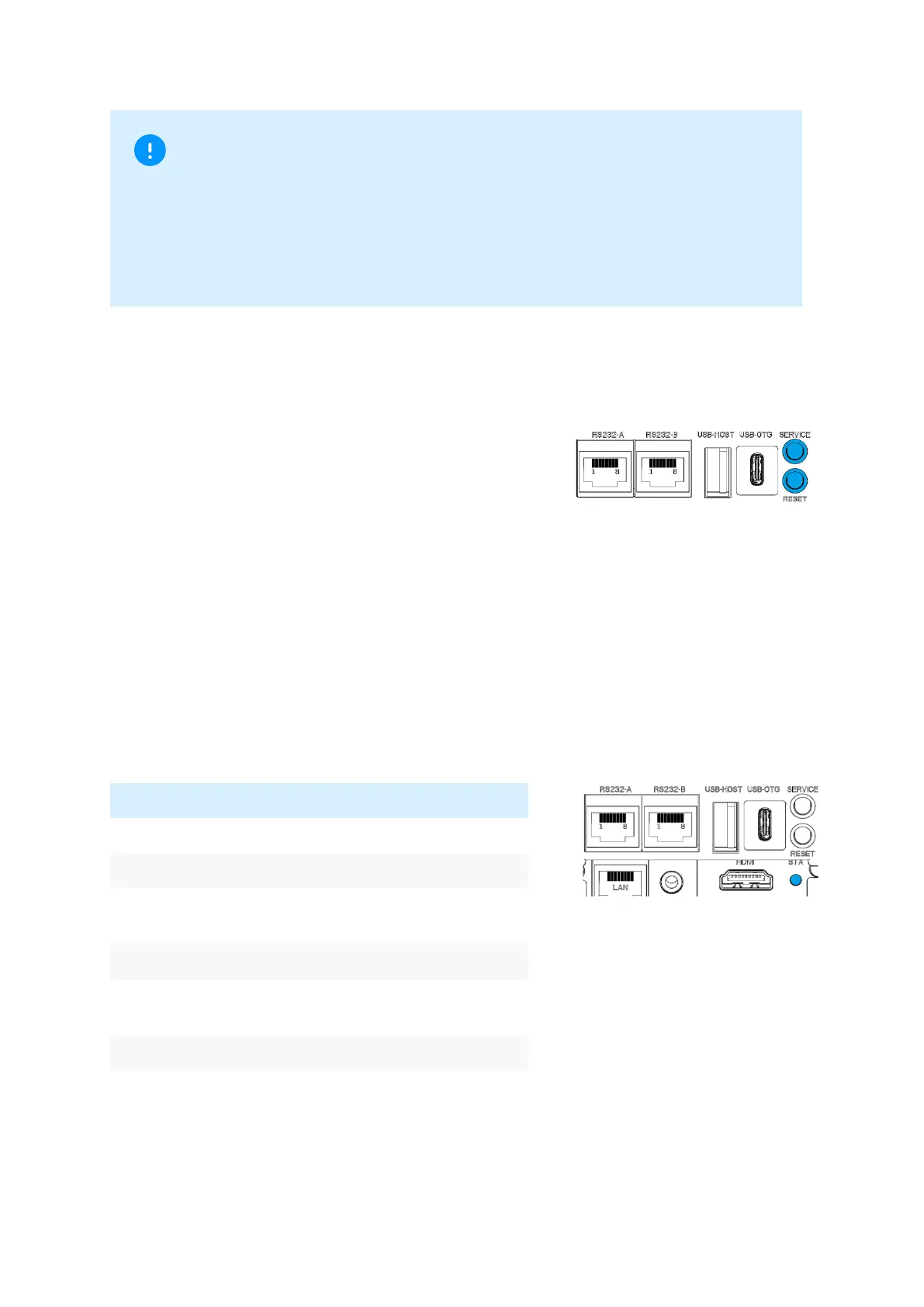
4.6 Buttons
The terminal does have two buttons on the back.
One for service and one to reset the terminal.
Service button
CCV internal use only.
Reset button
Hardware reset: Terminal shuts down completely and restarts.
4.7 MDB status LED
The terminal does have a MDB status LED on the back which shows status in active state.
Make your choice and/or present your card for
payment or revalue.
Transaction successful, vend in progress or revalue
aproved
Transaction denied follow display indication
Important
Please only use SIM cards that have a suitable cost model for the required data volume. The
terminal is connected to the Network Service Provider (transactions), the TMS maintenance
server (software updates) and the CCVStore (apps). Typical data sizes are: idle 40MB monthly,
app 8MB, software update 20MB, Android OS update 500MB.
The data consumption in idle state is approx. 40MB per month.



 To Next Page