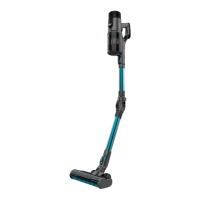
Upright vacuum cleaner
Assemble the vacuuming tube (see section 3 “Product assembly”)
Press the On/off button to turn the device on.
Press the power push button to select the desired power level.
It will automatically operate in Eco mode. The power level can be adjusted at any moment by pressing this button.
Press once to switch to Daily mode.
Press again to operate it at Turbo mode.
Press the On/off button to turn the device off.
Accessories
This device includes different accessories that allow cleaning different types of surfaces, objects and dirt. Some of them are suitable for the upright vacuum cleaner, and others are
preferably used with the handheld one.
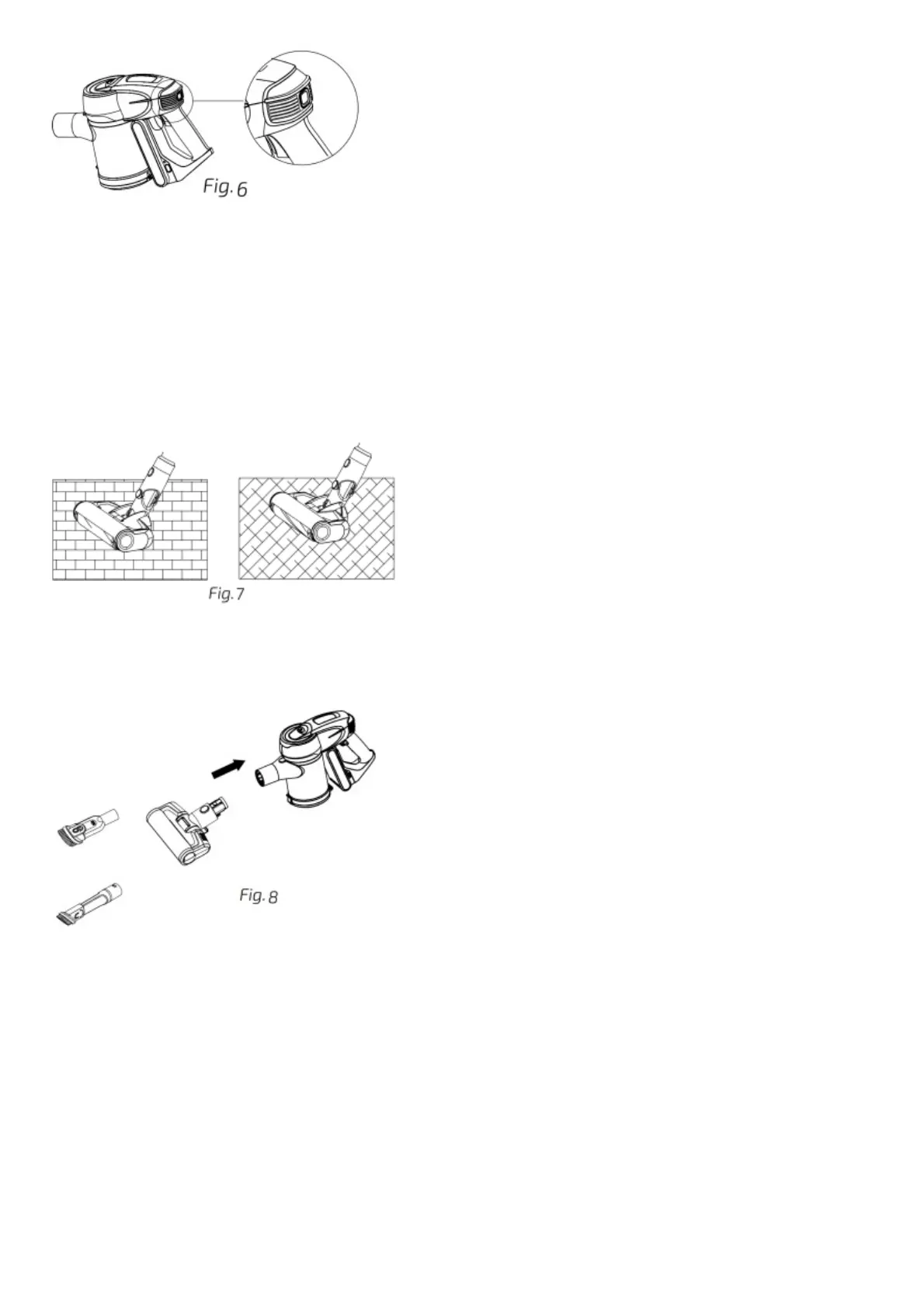
Jalisco brush
Assemble this brush to the upright vacuum cleaner. This brush is designed especially for cleaning hard floors, but can be used to clean efficiently soft floors too. The brush counts on a
protection system that avoids tangles and prevents the device from being damaged. As the brush stops rotating and the device stops operating automatically when it vacuums big objects or
excessive dirt.
Fig. 7
Silicone and bristles brush
Interchangeable brush made of silicone and bristles, ideal for cleaning carpets and pet hair.
This accessory is used with the upright vacuum cleaner.
2-in-1 wide brush for furniture and corners
This accessory is used with the handheld vacuum cleaner and allows cleaning furniture without damaging it and reaching less accessible dirt in corners.
Fig. 8
Wall bracket
This product includes a wall bracket that allows hanging the vacuum cleaner from the wall. The same bracket has different accessory holders that allow storing accessories while not in use.
It can be assembled with screws (included with the product), or with an adhesive (included with the product).
When using the adhesive, make sure to use it on a clear flat surface.
Also make sure that the suction base rests on the floor when hang to avoid the wall bracket from falling.
Fig. 9






 To Next Page