11
EN
OPERATOR’S MANUAL
3.3.
CHANGING OPERATING MODE AND
COLOUR TEMPERATURE
(VENUS PLUS MCT version and VENUS PLUS
CL MCT version lights only)
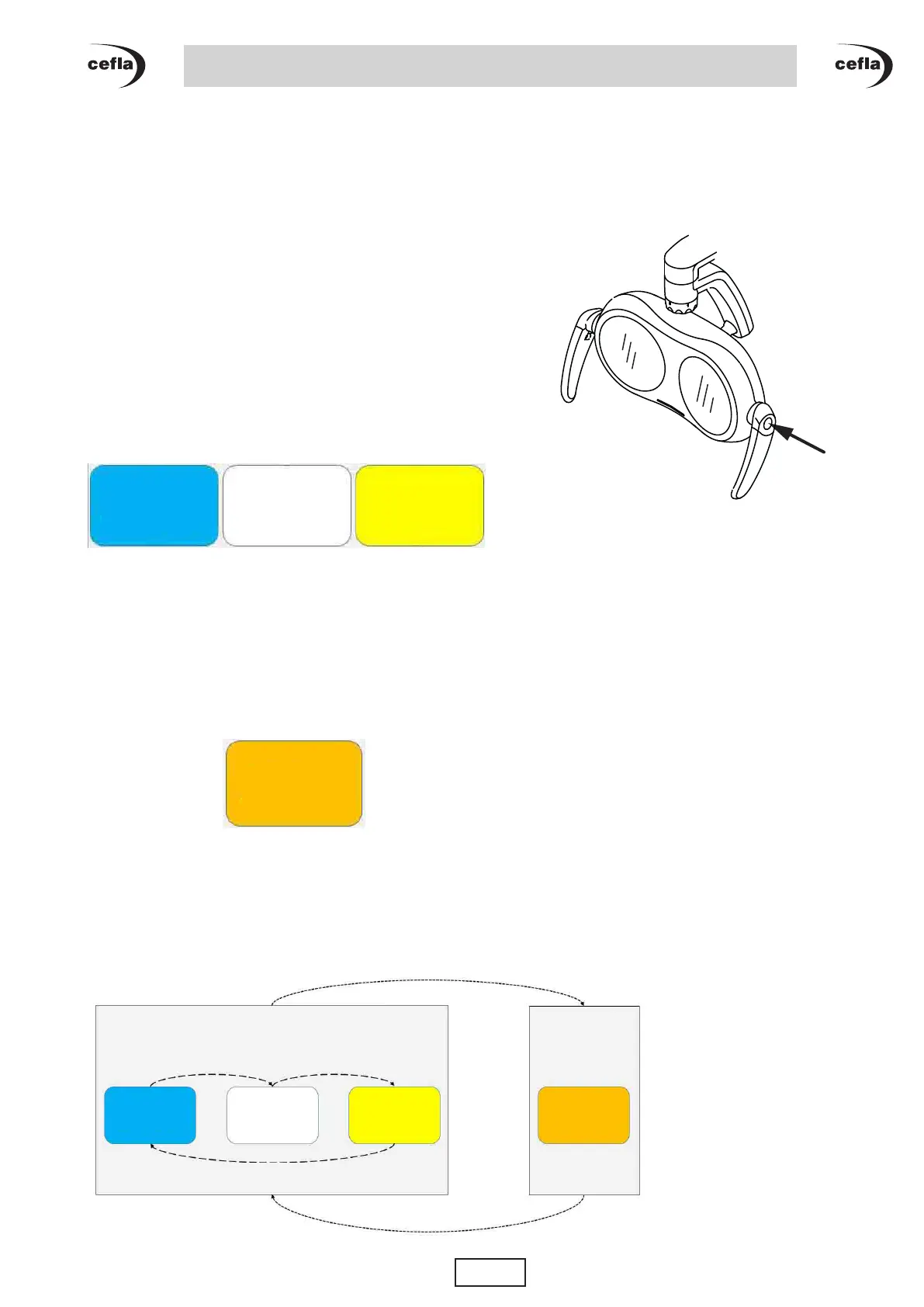
Bybrieypressingononeofthetwobuttonsonthe
head unit handles, it is possible to choose between
two operating modes of the light:
• Standard
• Curing Safe
Threedierentcolourtemperaturescanbeselectedin
standard mode:
• Warm light (4300°K)
• Neutral light (5000°K)
• Cold light (5500°K)
Identiedbythetranslucentbaronthefrontpanelby
the colour code shown below:
Stillinstandardmode,pressoneofthetwokeysforat
least 2 seconds to change from one colour temperature
to another. A sound indicates the change of colour
temperature.
In curing safe mode there is only one colour
temperatureof2700K.Thisisalsoidentiedbythe
translucent bar on the front panel with the colour code
shown below:
This mode allows the dental team to work with the
lightswitchedonduringthecompositellingphase,
avoiding premature hardening.
Operating diagram:
Buon pressed briey
Colour
temperature
5500 K
Colour
temperature
5000 K
Colour
temperature
4300 K
Colour
temperature
2700 K
Colour
temperature
5500 K
Colour
temperature
5000 K
Colour
temperature
4300 K
Colour
temperature
2700 K
Buon pressed briey
STANDARD
MODE
Buon pressed longer
Buon pressed longer
Buon pressed longer
CURING SAFE
MODE



 To Next Page