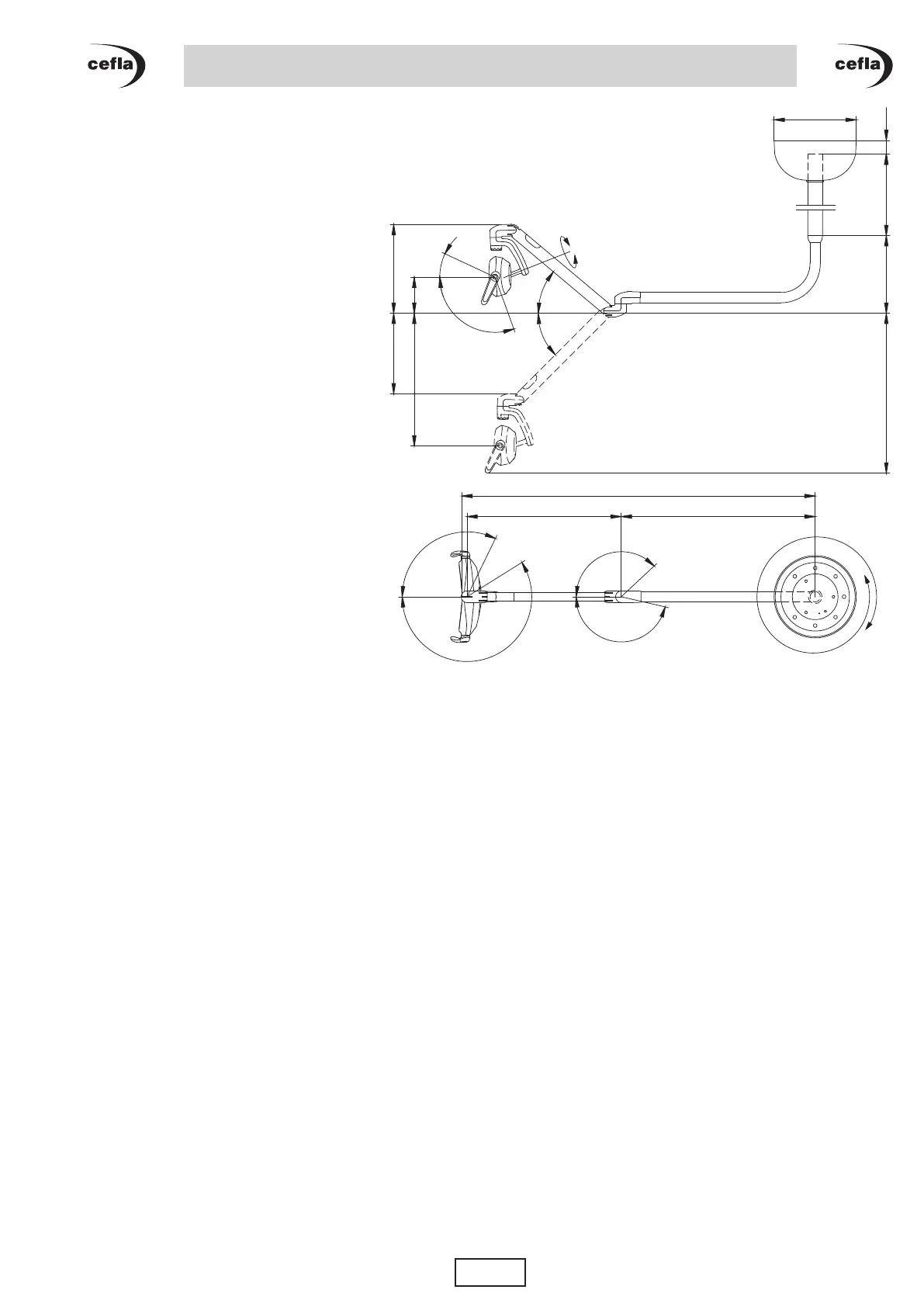
21
25°
25°
510°
675
167°
137°
212°
116°
159
25°
110°
580
352 389
45°
40°
360
60340 max 1300699
851
1546
EN
OPERATOR’S MANUAL
VENUS PLUS
CL MCT version
7. TROUBLESHOOTING
VENUS PLUS, VENUS PLUS CL version lights:
• The bulb does not come on.
- Checkthatthepowersupplyisconnected(seeparagraph3.1).
- Checkthatthebulbhasnotfailed(seeparagraph 5.2.).
If none of the above caused the malfunction, call Technical Service.
• Brightness has considerably reduced.
- Cleanthereectororthefrontscreenusingasoftclothsoakedinaglasscleaner(seeparagraph4.1.).
- Clean the internal surface of the glass tube after removing the bulb holder (see paragraph 5.2.).
Should brightness not return to the initial values, call Technical Service.
• Brightness does not change when acting on the proper knob.
Call Technical Service.
VENUS PLUS -L version, VENUS PLUS CL -L version, VENUS PLUS MCT version, VENUS PLUS CL
MCT version, VENUS E version model lights:
• The lamp cannot be turned on with the proper knob or NO TOUCH sensor (if available).
Checkthatthepowersupplyisconnected,thencallTechnicalService.
• Brightness cannot be changed with the knob or with the NO TOUCH sensor (if available).
Call Technical Service.
• Brightness has considerably reduced.
- Checkbrightnessadjustmentusingthespecialknob.
- Clean the front screen with a soft cloth.
Should brightness not return to the initial values, call Technical Service.



 To Next Page